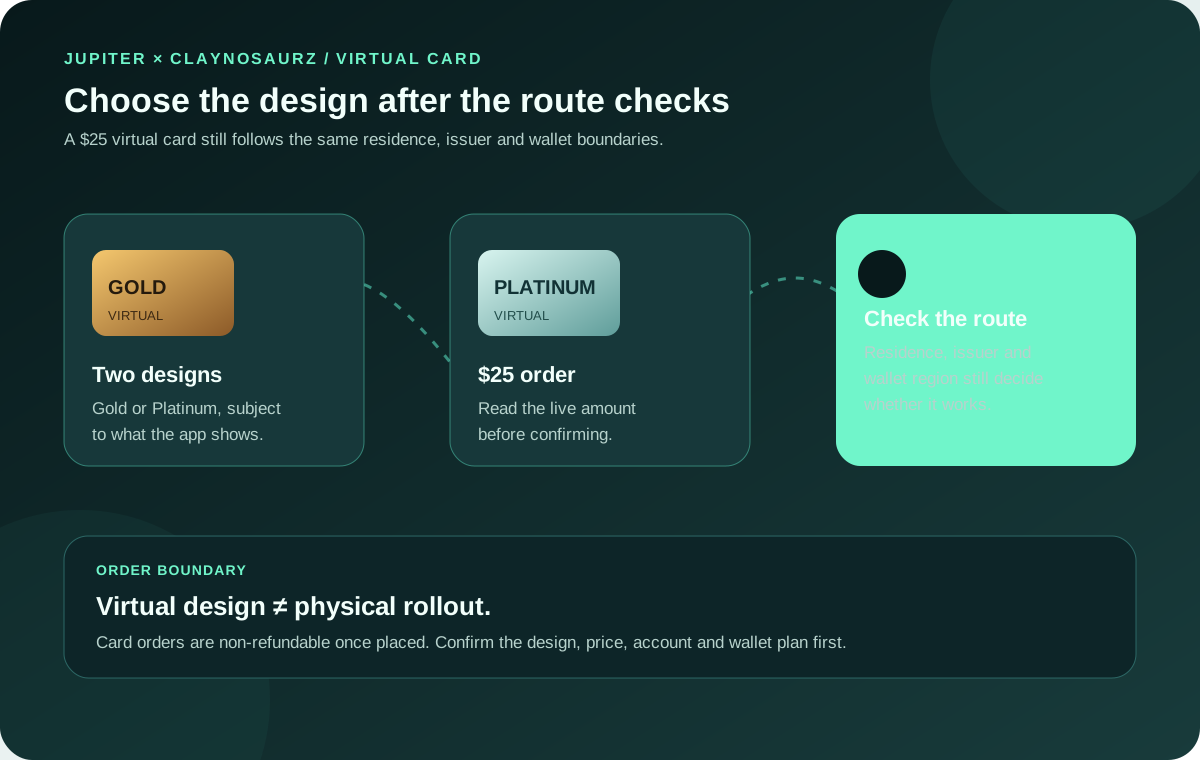
The Jupiter x Claynosaurz card is a co-branded Jupiter Visa Platinum card available as a virtual card in the Jupiter app. The current Jupiter Card documentation lists two designs, Gold and Platinum, and a $25 price for the virtual card. It spends from the same Jupiter Spend balance as the ordinary Jupiter Card, so the design does not turn it into a credit line, a bank account or a separate withdrawal product. Current Jupiter Card documentation
Availability, issuer assignment, verification and mobile-wallet support still depend on the live app and your genuine country of residence. Recheck the official Card page before ordering because product details can change.
What the Claynosaurz card is
The Claynosaurz card is an additional virtual card in the Jupiter Card family. Jupiter says both new and existing users can get it, and an existing Jupiter Card holder can add it from the Cards screen. It works like a Jupiter Card for spending: the balance is held in USD, the card is used at Visa merchants, and the issuer is assigned from the residence-based Rain or DCS split. Card issuers and management
The important boundary is the form factor. The Claynosaurz offering described by Jupiter is virtual. It is not a way to skip the phased physical-card rollout, and ordering the virtual design does not guarantee that a physical card option will appear in the same account. If you need a card you can insert or tap without a phone, compare the separate virtual-versus-physical card guide before choosing a design.
Price and availability at a glance
| Question | What the documentation says now | What the live app must still confirm |
|---|---|---|
| What is it? | A co-branded Jupiter × Claynosaurz Visa Platinum virtual card | The order tile and designs shown for your account |
| Which designs? | Gold and Platinum | Which design is currently available to select |
| What does it cost? | $25 for the Claynosaurz virtual card | The final amount and confirmation screen |
| Who can order it? | New and existing users in supported Card residences | Your residence, verification and account state |
| Is it physical? | No; the documented Claynosaurz offer is virtual | Whether a separate physical-card rollout option appears |
| Can it use a mobile wallet? | It can be added where Apple Pay or Google Pay and the issuer support it | Region, device, wallet service and verification result |
The published Card page excludes the Philippines, Vietnam, Taiwan and South Korea from Claynosaurz availability. That is a product boundary in the current documentation, not a suggestion to change your residence or use someone else’s identity information. A supported citizenship also does not replace the residence and verification checks. Current country and residence rules
Is the Claynosaurz card the right Card route?
Choose the product by the job it must do, not only by the artwork:
| If you need… | Check first | Why the Claynosaurz design may not be the answer |
|---|---|---|
| A collectible virtual card for online spending | The Claynosaurz order tile, design and displayed $25 charge | The order is virtual and non-refundable once placed |
| A general Jupiter Card route | Jupiter Global Card guide | Issuer, residence, funding, FX and merchant rules still apply; the co-brand does not bypass them |
| A phone-wallet payment | Mobile-wallet setup guide | Wallet support depends on region, device, issuer and verification after the card appears |
| Physical cash or an inserted card | ATM withdrawal preflight and the physical-card guide | The documented Claynosaurz offer is virtual and does not replace the phased physical-card route |
The design is an additional Card choice, not a new withdrawal, QR or bank-transfer rail. Check in the live app that the card does what you need before funding or ordering.
How to order it in the app
Jupiter’s current instructions describe this sequence:
1. Open Jupiter Mobile and select the Spend tab. 2. Complete Jupiter ID verification if the account still shows that step. 3. Open Card, choose Add card, then select Virtual card. 4. Pick the Claynosaurz Gold or Platinum design. 5. Read the displayed price and order confirmation before submitting.
The sequence is a preparation map. It cannot create an order tile that Jupiter has not enabled for your account, and it cannot predict the verification result. If the Claynosaurz choice is absent, capture the screen privately and use the official support route rather than installing an unofficial “activation” tool or entering card details into a message. Official support · Spend security boundaries
Funding and issuer checks still apply
The design does not change the underlying funding model. Jupiter documents direct Spend deposits of USDC on Solana, Ethereum, Sui, Arbitrum or Base and USDT on Solana, with the supported deposit credited to the USD Spend balance. A separate wallet-to-Spend flow can convert another token before crediting Spend. Match the exact asset, network and address shown in the current app; a blockchain confirmation alone does not prove that Spend credited the expected balance. Card funding rules · Fees and deposit boundaries
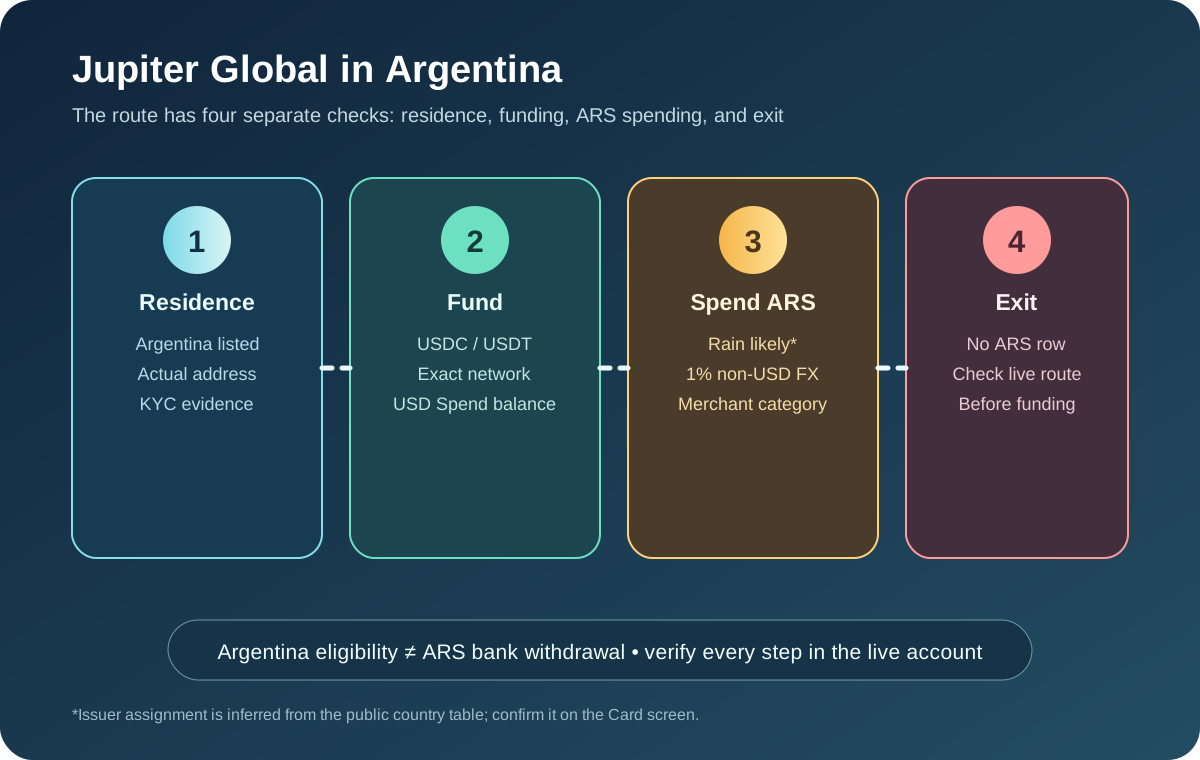
The issuer is still assigned by residence. Jupiter’s current split places residents of Australia, Japan, Malaysia, the Philippines, Singapore, South Korea, Taiwan, Thailand and Vietnam with DCS, while other supported residences use Rain under the published assignment. The Claynosaurz country exclusion above means a DCS residence can still be ineligible for this particular co-branded design. Do not choose a country or issuer to obtain a preferred fee.
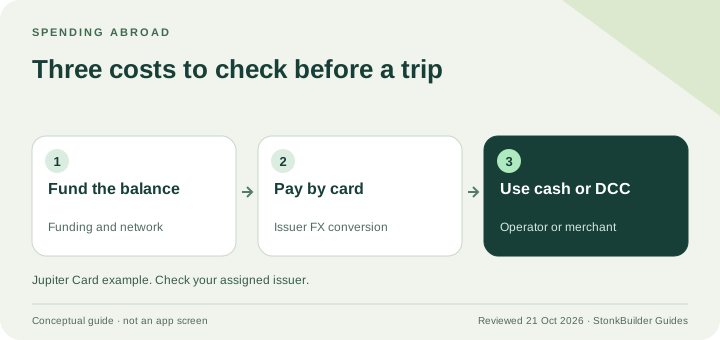
Non-USD spending remains an issuer and currency question. The fees page currently lists 1% for Rain and 1.8% for DCS on non-USD Card payments, with no listed FX conversion fee for USD payments. Those figures do not promise a merchant’s exchange rate, local surcharge or final authorization amount. Record the merchant currency and read the live confirmation before an important purchase. Current fees and limits
Wallet setup is a separate regional check
Jupiter documents adding a Card to Apple Pay or Google Pay through the wallet application, with issuer verification by the method shown there. It also warns that wallet availability can fail in a supported Card country when Apple or Google do not support the service in that region. A Claynosaurz order therefore does not prove that a phone wallet can tokenize it.
If wallet use is the reason for choosing the design, first confirm that the virtual card appears under Show Details, that the device and region support the wallet, and that the issuer’s verification step can be completed. Do not share an OTP, PIN, recovery phrase or private key with anyone offering to “activate” the card for you. The mobile-wallet setup guide covers the general route and the Apple Pay troubleshooting guide covers a failed enrollment.
Read the order boundary before confirming
The current Card documentation says card orders are non-refundable once placed, for both virtual and physical cards. A merchant refund is a different transaction state and follows its own processing timeline. Before pressing the order button, check the selected design, the displayed $25 price, the account that will be charged, and whether the card actually solves your next payment problem. Card limitations
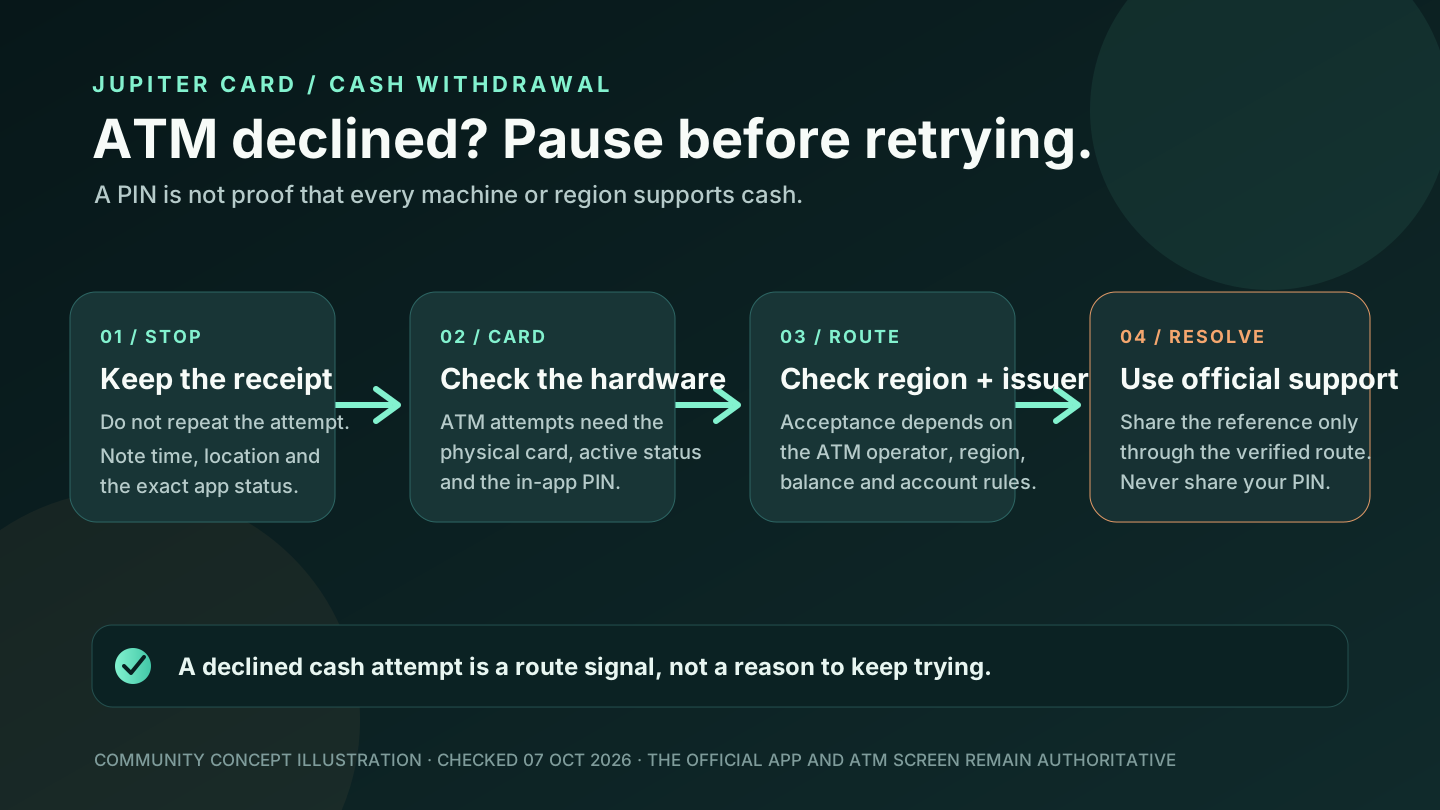
If your need is ordinary online spending, a virtual card may be enough. If the need is a physical fallback, ATM access, QR Pay or a bank withdrawal, those are separate product decisions. QR Pay has its own issuer and market rules, ATM use depends on region and card state, and a Card balance is not automatically a bank-withdrawable balance. Use the site’s payment-route guide before funding a route that the design itself cannot provide.
Claynosaurz card pre-order checklist
Use this short check immediately before an order:
- Your real residence is eligible for the Card and is not one of the four Claynosaurz exclusions in the current documentation.
- Jupiter ID verification is complete or the official app clearly explains the remaining step.
- You want a virtual card and do not need the physical-card rollout for the next payment.
- Gold or Platinum is the correct design; the order cannot be refunded after placement.
- The displayed $25 charge and the available Spend balance are clear.
- Your issuer, payment currency and mobile-wallet region are compatible with the intended use.
- You have a backup payment method for a first or time-sensitive purchase.
The site’s residence checker and first-card payment checklist can organize the decision.
If one of the Claynosaurz designs is the card you want, sign up for Jupiter Global and check the design and price on the order screen before confirming. Eligible card spending earns 2% cashback, capped at $100 a month.
Jupiter Claynosaurz card FAQ
How much is the Jupiter Claynosaurz card?
The current Jupiter Card documentation lists the Claynosaurz virtual card at $25. Confirm the amount shown in the live order screen before submitting because product prices can change.
Is the Claynosaurz card physical?
The documented Claynosaurz offering is a virtual Visa Platinum card. It does not replace the separate, phased physical-card rollout.
Which Claynosaurz designs are available?
Jupiter currently describes Gold and Platinum virtual-card designs. The live app decides which design tile and order path appear for your account.
Can an existing Jupiter user order it?
Yes. Jupiter says existing users can add it as an additional card from the Cards screen, subject to the current residence, verification and availability checks.
Can I add the Claynosaurz card to Apple Pay or Google Pay?
Possibly, where the wallet service, region, device and issuer support it. A successful order does not guarantee wallet availability; complete the wallet’s own verification flow in the supported region.
Does the Claynosaurz design change the issuer or FX fee?
No. The current documentation assigns Rain or DCS from residence, and the applicable non-USD FX rule follows that issuer. The Claynosaurz design does not let you choose an issuer or bypass the account’s currency and merchant checks.
Can I cancel or refund the order?
The current Card documentation says virtual and physical card orders are non-refundable once placed. Check the selected design and displayed price before confirming.
Sources
Checked against these sources on 7 October 2026.