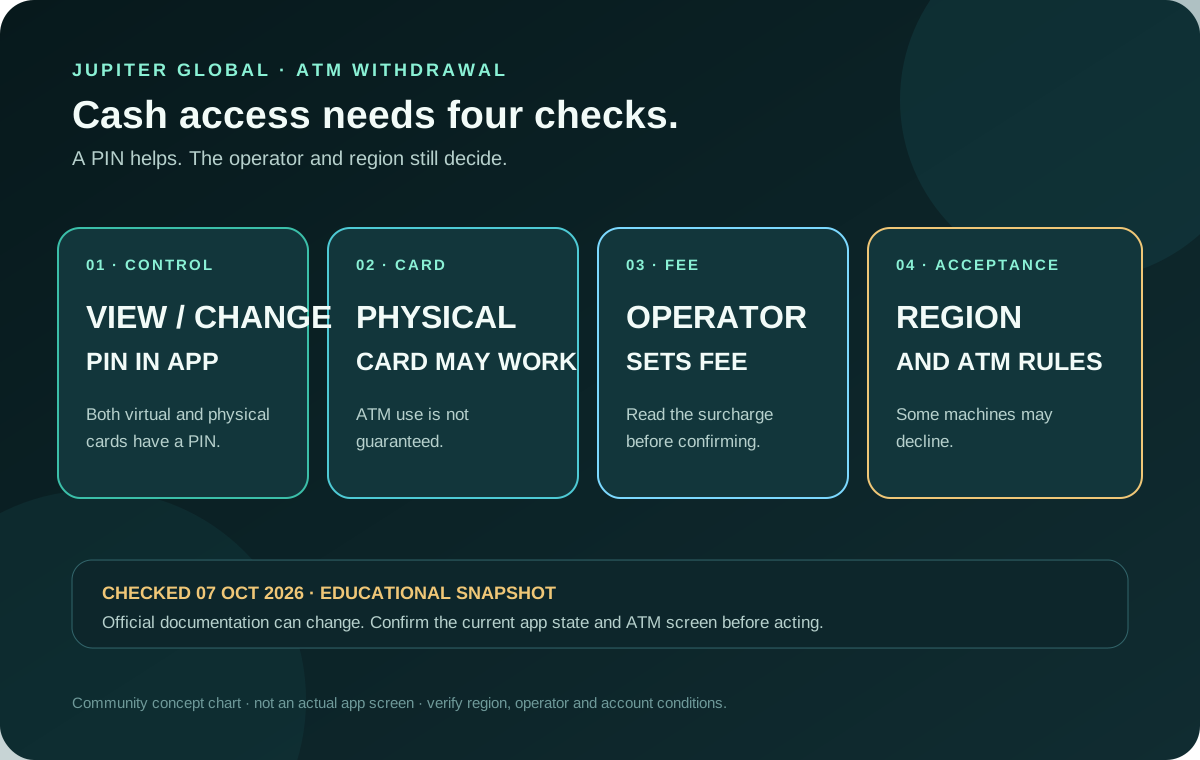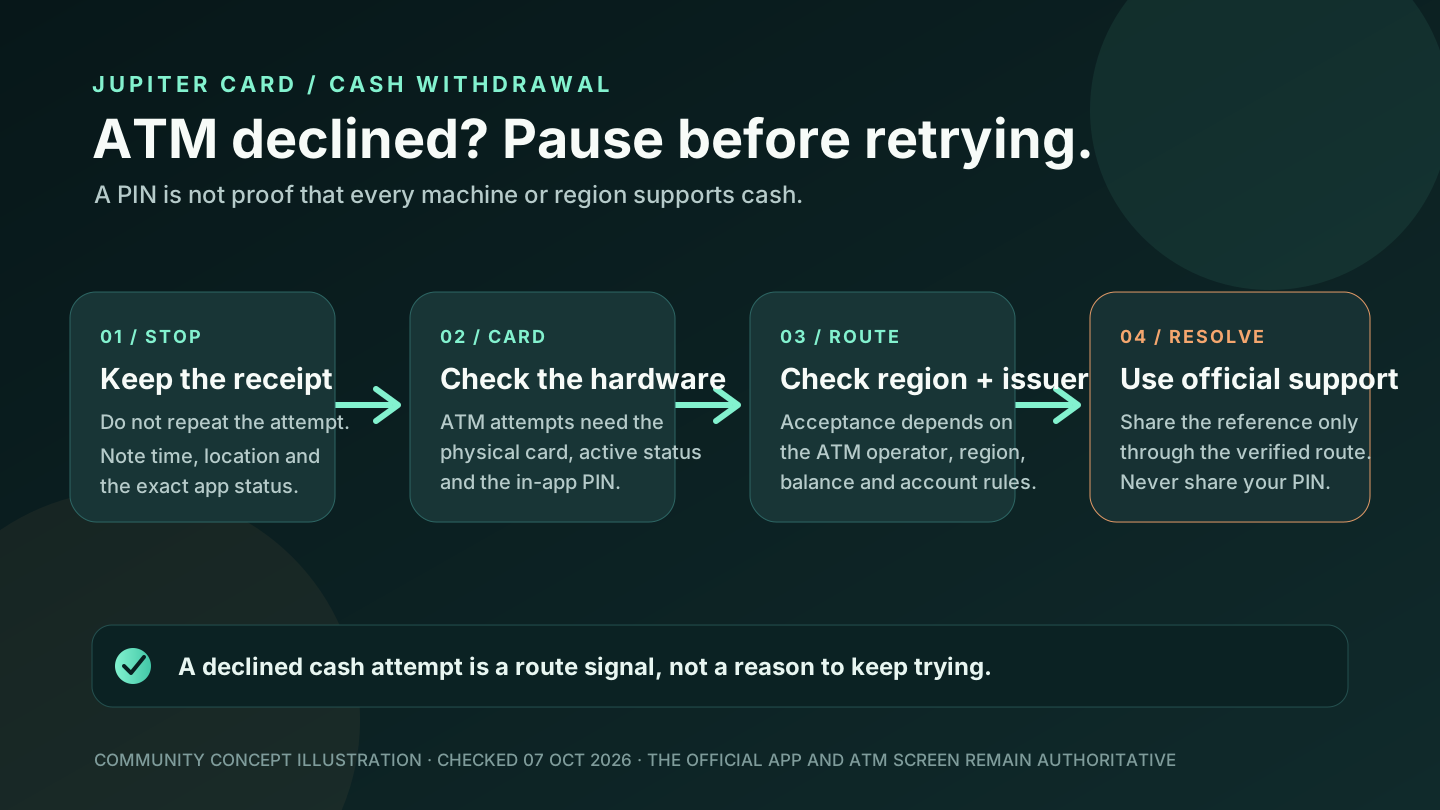
An ATM decline does not prove that your Jupiter Card, PIN, or account is broken. Jupiter’s FAQ says ATM withdrawals may work with the physical card but are not guaranteed: acceptance depends on the ATM operator and your region, and some machines may decline. Treat the decline as a signal to classify the route before you try again.
Stop before you create a second attempt
Write down the time, ATM location, currency, requested amount, and the exact message in the app or on the machine. Keep the receipt private. A decline is different from a cash withdrawal that debited your balance without dispensing cash; if money moved, record the transaction reference and do not immediately repeat the withdrawal.
The ATM operator controls the machine’s acceptance and any surcharge. Jupiter cannot tell you one universal ATM fee in advance. Do not treat the machine’s logo, a successful card purchase, or the presence of a PIN as proof that cash withdrawal is enabled for your account. ATM and PIN FAQ
Check the physical card, not only the virtual card
Jupiter documents a PIN for both virtual and physical cards, but the ATM guidance specifically says withdrawals may work with the physical card. Confirm that the physical card:
- is visible in the official Jupiter app;
- has been delivered and activated;
- is not frozen, cancelled, expired, or replaced; and
- is the same card whose PIN you viewed or changed.
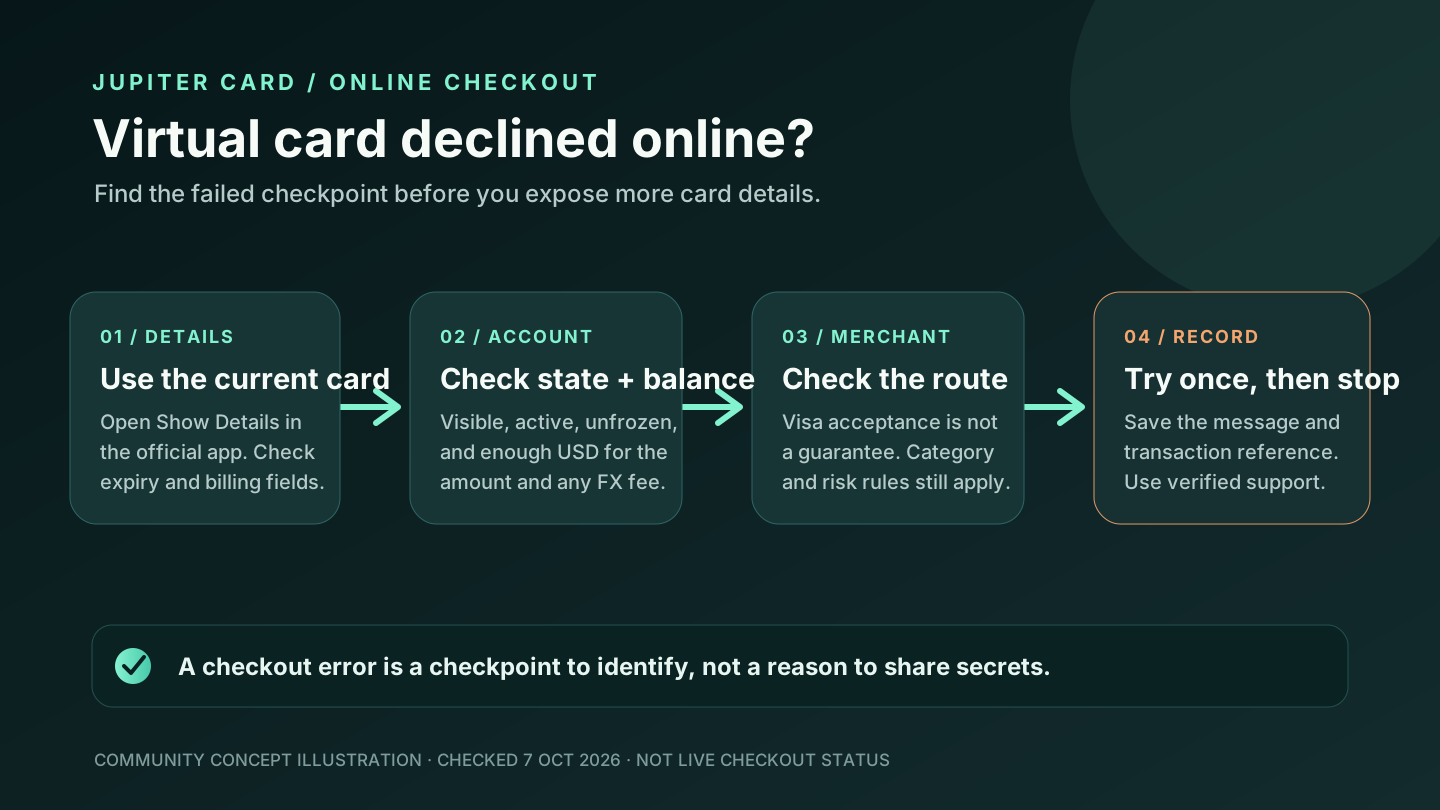
If you only have a virtual card, use it for a supported online or wallet payment instead of assuming an ATM can read it. Physical-card rollout is phased, so the option may not be available in every account. Card management and physical-card status
Check the account route and issuer
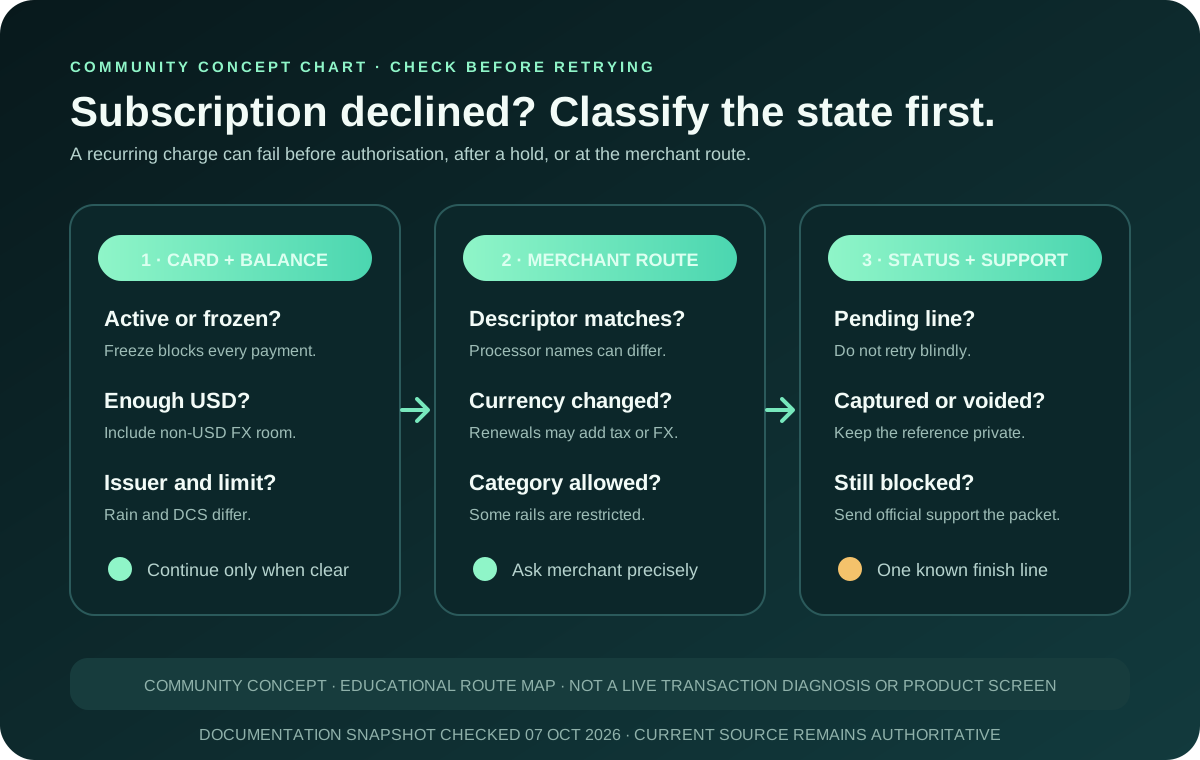
The card draws from a USD Spend balance. Before another attempt, confirm that the available balance covers the requested amount and any non-USD conversion cost. The current fee table lists a 1% non-USD FX fee for Rain and 1.8% for DCS; those rates describe the issuer’s card conversion and do not guarantee that an ATM will approve a withdrawal. Current card fees
Your issuer is assigned from your residence, and the product relies on regulated partners. The same card can behave differently across regions because availability, local rules, issuer controls, and the ATM operator are separate gates. A country being listed for the card therefore does not promise cash access at a particular machine. Issuer and partner risk
Read the ATM’s decline as a category
Use the message to choose the next check:
| What you see | What it can tell you | Safer next move |
|---|---|---|
| “Declined” before PIN entry | The machine, network, region, or card type may not accept the route | Stop and try no more machines until you confirm physical-card and regional support |
| “Incorrect PIN” | The PIN entry or card-management state needs checking | Stop guessing; view or change the PIN in the official app |
| “Insufficient funds” | The available USD balance may not cover the request and conversion cost | Recheck the available balance and requested amount |
| Cash not dispensed but balance changed | The transaction needs a traceable investigation | Save the reference, receipt and ATM details; contact verified support |
| Operator surcharge shown | The machine is adding its own fee | Read the final screen and cancel if the total is not acceptable |
These labels are triage clues, not a promise about the issuer’s internal decision. An ATM can also decline for a reason the machine does not explain. Do not bypass a decline by handing your card details or PIN to someone offering an “activation” service.
When to contact official support
Contact the verified Jupiter support route when the physical card is active, the PIN is correct, the balance is sufficient, and the ATM still declines; contact support immediately if the balance changed without cash. Include the original transaction reference, date, time, amount, currency, ATM location, and the message shown. Redact your PIN, one-time codes, full card number, recovery phrase, and identity documents.
Jupiter’s FAQ says support is the next step when a card problem cannot be explained by balance, card state, limits, or a restricted merchant. The same principle applies here: give support one original reference they can investigate instead of a chain of repeated attempts. Official support route · Card safety guidance
If you are researching the product rather than recovering an existing ATM incident, use the residence and feature checker and Route Finder to separate Card spending, QR Pay, bank payout, and crypto funding.
The existing PIN and ATM fee guide covers the pre-withdrawal checklist, while the payment-status guide covers a balance change, pending state, or refund. If the balance changed without cash, compare the Spend-balance versus withdrawal-balance guide before deciding what the debit means. If you don’t have a card yet, sign up for Jupiter Global and check the physical-card and withdrawal controls in the official app. Eligible card spending earns 2% cashback, up to $100 a month, though cash withdrawals don’t count.
You’re done when there’s no second attempt, a documented cash result, or an official case tied to the original reference. Having a PIN doesn’t guarantee cash access.
Jupiter Global ATM withdrawal declined FAQ
Why was my Jupiter Global ATM withdrawal declined?
The decline can come from the physical-card state, PIN, available USD balance, issuer conversion rules, region, ATM operator, network or account controls. The machine’s short message is a clue rather than a complete diagnosis.
Does having a PIN prove that ATM cash access works?
No. Jupiter’s current FAQ says ATM withdrawals may work with the physical card but are not guaranteed. A PIN is available for card management; it does not prove that a particular ATM or region supports the withdrawal route.
Should I try another ATM immediately?
No. Record the first attempt and confirm the physical card, balance, issuer and regional conditions before trying again. Repeated attempts make it harder to separate a machine issue from a transaction that changed the balance.
What if the ATM declined but my balance changed?
Do not repeat the withdrawal. Preserve the transaction reference, receipt, ATM location, amount, currency and time, then contact verified support. Redact the PIN, full card number, one-time codes and recovery information.
Who sets the ATM fee?
The ATM operator sets any surcharge and may show it only before final confirmation. Jupiter does not publish one universal ATM fee that applies to every machine or region, so read the machine’s final total before accepting.
Sources
Checked against these sources on 7 October 2026.