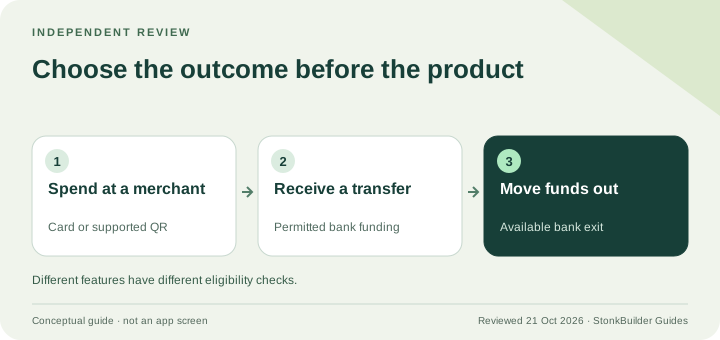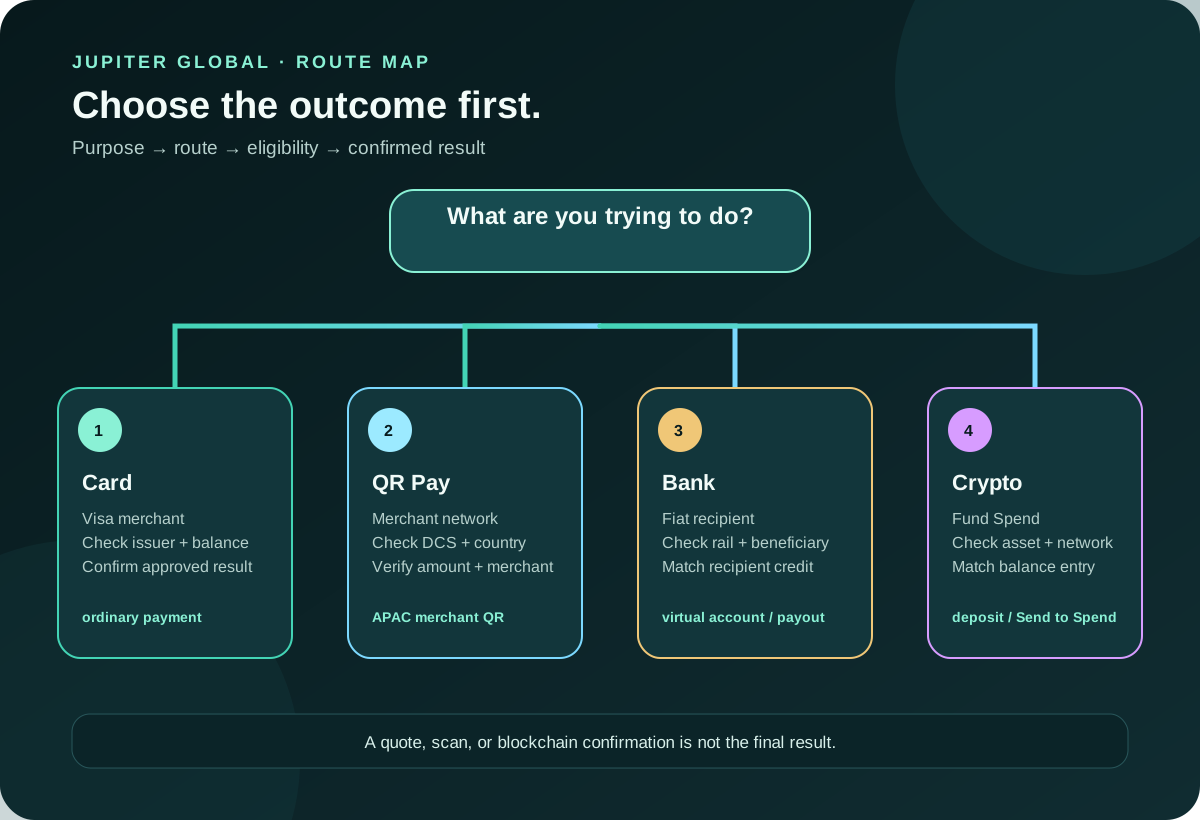
Jupiter Global has several payment routes, so start with the outcome you need: pay a merchant, scan a supported QR network, move fiat to a bank account, or add crypto to Spend. Each route has its own balance, eligibility, network and confirmation step. If you are still deciding whether the product fits at all, start with the Jupiter Global review.
Jup Global Community is an independent learning site published by StonkBuilder.
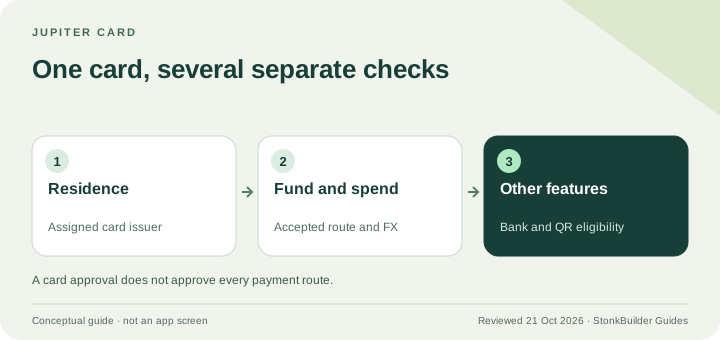
If you have not confirmed that the product and route fit your residence, use the residence and feature checker before comparing payment methods. Then use the Route Finder to name what you want to do. Neither tool can approve an account or guarantee a transfer.
Start with the outcome
You want to pay an ordinary Visa merchant
Choose the Jupiter Card route when the merchant accepts Visa and you need a card payment. Jupiter describes the Card as a Visa card that spends from the USD balance in Spend. The app displays the Spend balance in USD; deposited USDC and USDT are not automatically converted to USD on arrival. With Rain, the stablecoins remain on-chain as card collateral. Card funding and balance rules
Before paying, check that the card is visible and active, the available USD balance covers the purchase and any issuer foreign-exchange charge, and the merchant category is supported. A country listing or a successful deposit does not guarantee that every merchant or transaction will approve. The first-card payment checklist is the safer next step.
You want to scan a merchant QR code
Choose QR Pay only when the code belongs to a supported merchant network and the card in your account is eligible. The current documentation lists QR Pay for Cambodia’s KHQR, Indonesia’s QRIS, Malaysia’s DuitNow, Mongolia’s QPay, the Philippines’ QR Ph, and Vietnam’s VietQR. Singapore SG QR and Thailand PromptPay are listed as temporarily unavailable. Spend-balance QR Pay depends on an eligible DCS-issued card, and some issuance countries have activation-date conditions. Current QR networks and card rules
The documented QR limits are $500 per transaction and $5,000 per day. A familiar-looking square is not enough: confirm the network, merchant name and amount in the payment screen. QR Pay draws from the same USD Spend balance as the Card, but it is a separate merchant route with its own availability. Use the QR limits and failure guide before relying on it while travelling, then read the focused QR cashback decision guide if reward eligibility affects your choice.
You want to receive or send fiat through a bank
Choose Global Fiat Remittance when the outcome is a virtual-account deposit, SWIFT transfer or local bank payout. The current documentation describes USD and EUR virtual accounts plus local payouts in a published set of currencies. A bank transfer is not a crypto deposit: use the beneficiary and rail shown in the remittance flow, then compare the final amount received.
Current payout limits are set for each currency and shown in the app, and fees vary by rail and currency. EUR remittances are documented through SEPA only; a SWIFT EUR instruction may fail or remain uncredited. USDT deposits also cannot be withdrawn to fiat. Remittance rails and boundaries · Fee table
For a recipient who has not been credited, keep the transfer reference, route, currency, amount and timestamp together. Do not create a second transfer simply because the first one is still processing. Use the bank-transfer corridor checker and support packet guide.
You want to move crypto into Spend
If funds are already in your Jupiter Mobile wallet, Send → Send to Spend is the lower-confusion route: the documentation says it accepts any token and swaps what is needed into USDC before crediting the Spend balance. If funds are held elsewhere, use the Spend deposit address and send only the supported asset and network shown by the app. Spend funding overview
Do not send an unsupported token to the deposit address. A blockchain confirmation is not the same as a Spend credit, and support cannot promise recovery of a wrong-asset transfer. The USDC and USDT deposit guide explains the preflight, while the deposit network check lets you rehearse the decision without sending funds.
The four checks that prevent most route mistakes
1. Purpose: merchant payment, QR merchant payment, bank transfer, or crypto funding. 2. Eligibility: residence, issuer, card state, country network and account verification. 3. Destination: recipient bank fields, merchant identity, deposit address, asset and network. 4. Outcome: an approved card payment, a completed QR result, credited bank funds, or a Spend balance entry that matches the expected amount.
Do not treat a quote, a QR scan, a blockchain confirmation or a support acknowledgement as the final outcome. Each proves a different checkpoint. If a route does not show the currency, network, recipient or total you expect, pause and use the official app or Jupiter Support Hub before funding it.
A quick route map
| Your goal | Start here | Main thing to verify |
|---|---|---|
| Pay a normal merchant | Jupiter Card | Active card, USD balance, issuer and merchant acceptance |
| Scan a merchant QR | QR Pay | Supported network, DCS/activation eligibility and amount |
| Move fiat to a bank | Global Fiat Remittance | Currency, rail, beneficiary, fees and recipient bank |
| Add crypto to Spend | Deposit or Send to Spend | Supported asset/network or the wallet swap path |
Product access, limits and supported corridors can change, so check the live app for your own account.
Found your route? Read the official app-download guide, then sign up for Jupiter Global and earn 2% cashback on eligible Jupiter Card purchases, up to $100 a month.
Jupiter Global payment methods FAQ
Which Jupiter Global route should I use to pay a merchant?
Use the Jupiter Card route for an ordinary Visa merchant when the card is visible, active, funded and the merchant category is supported. A successful deposit does not guarantee every payment will approve.
Is QR Pay the same as paying with the card?
No. QR Pay is a separate merchant route with its own network, issuer, activation, limit and availability rules. Confirm the exact merchant QR standard and the payment screen before relying on it.
Can I use a crypto deposit for a bank payout?
Check the asset and exit first. The documented fiat withdrawal route is USDC-only, while USDT deposits cannot use that bank off-ramp. Deposit support and withdrawal support are separate decisions.
What should I check before a bank transfer?
Confirm the destination currency, rail, beneficiary details, transfer limit, fees, delivery expectation and final recipient amount shown in the current remittance flow. A bank transfer is not a blockchain deposit.
What is the safest way to choose a route?
Decide what the money needs to do first, then verify eligibility, destination, asset or currency and final confirmation in the official app. Pause when a route does not show the recipient, network, fee or amount you expect.
Sources
Checked against these sources on 21 October 2026.