
Free tools for
Jupiter Global users.
Compare transfer quotes, check a deposit network, estimate your cashback and see whether the card is offered where you live. Nothing here touches your money or your account.
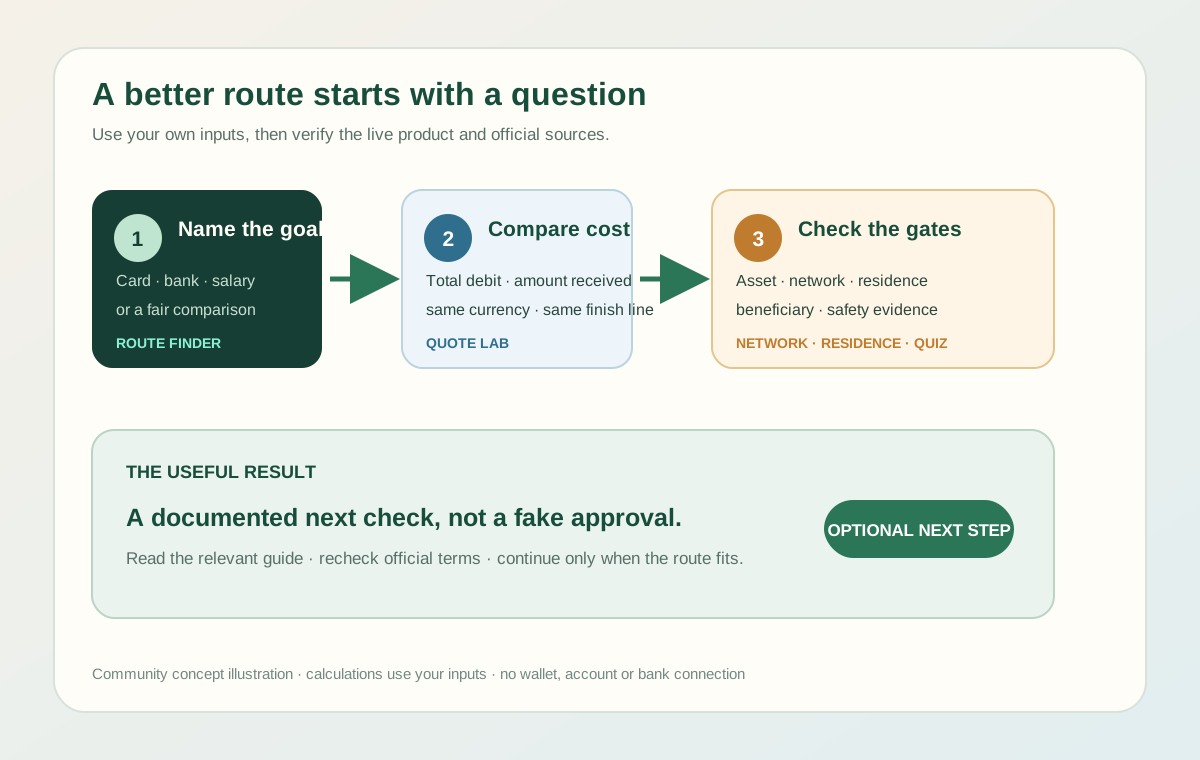
Find the next useful check.
Answer three quick questions and we’ll suggest which guides and checks to read next.
Your answers stay on this page.
Compare what actually arrives.
Enter two or three complete quotes. “Total debit” includes everything leaving your pocket. “Recipient gets” is the final usable amount after known charges. All quotes must use the same currencies and delivery method.
Method: Effective rate = final recipient amount ÷ total source debit. Optional estimated cost = 100 × (1 − effective rate ÷ reference rate).
Do not deduct a fee twice when it is already reflected in the final recipient amount. Timing, compliance, receiving costs, and route reliability still need separate checks. Read the full comparison method.
Find where the cheaper fee changes.
Compare two fixed-plus-percentage fees using one transfer amount and one currency. Enter fees shown for the same kind of transfer.
Example: Route A charges 2 plus 0.5%, Route B charges 10 plus 0.1%. Replace these with real fees.
Formula: total fee = fixed fee + (transfer amount × percentage fee ÷ 100). The crossover is the amount where both totals are equal. This does not include exchange-rate differences, intermediary or receiving-bank costs, eligibility, delivery time or route availability. Confirm the complete current quote in the provider app.
How much cashback could you earn?
Enter your eligible card spending for the month to see your cashback at the 2% base rate (up to $100) or the 4% tier (up to $200).
Note: your actual rate, cap and eligible purchases are shown in the Rewards screen in the app. Read the 4% cashback guide · Check current Rewards terms ↗.
Check your token and network before you deposit.
Pick the token and network you plan to use and see whether Jupiter accepts it. Always double-check the deposit screen in the app before sending.
As of 29 September 2026: USDC on Solana, Ethereum, Sui, Arbitrum, Base; USDT on Solana, BSC; USDG on Robinhood. Fiat withdrawal has additional restrictions. Deposit source ↗ · Fiat-exit source ↗.
Check the residence list before you fund.
See whether your country, or your US state, is on Jupiter’s card residence list. Jupiter makes the final call when you sign up.
Jupiter confirms eligibility when you sign up. Official card country list ↗.
Jupiter confirms eligibility when you sign up. Read the official Card state list ↗ · Open the USA route guide.
Would you pause or proceed?
Five common decision points. Practice here before real money is involved.
Sources: Consumer scam guidance ↗ · Deposit guidance ↗ · Bank-payout restrictions ↗.