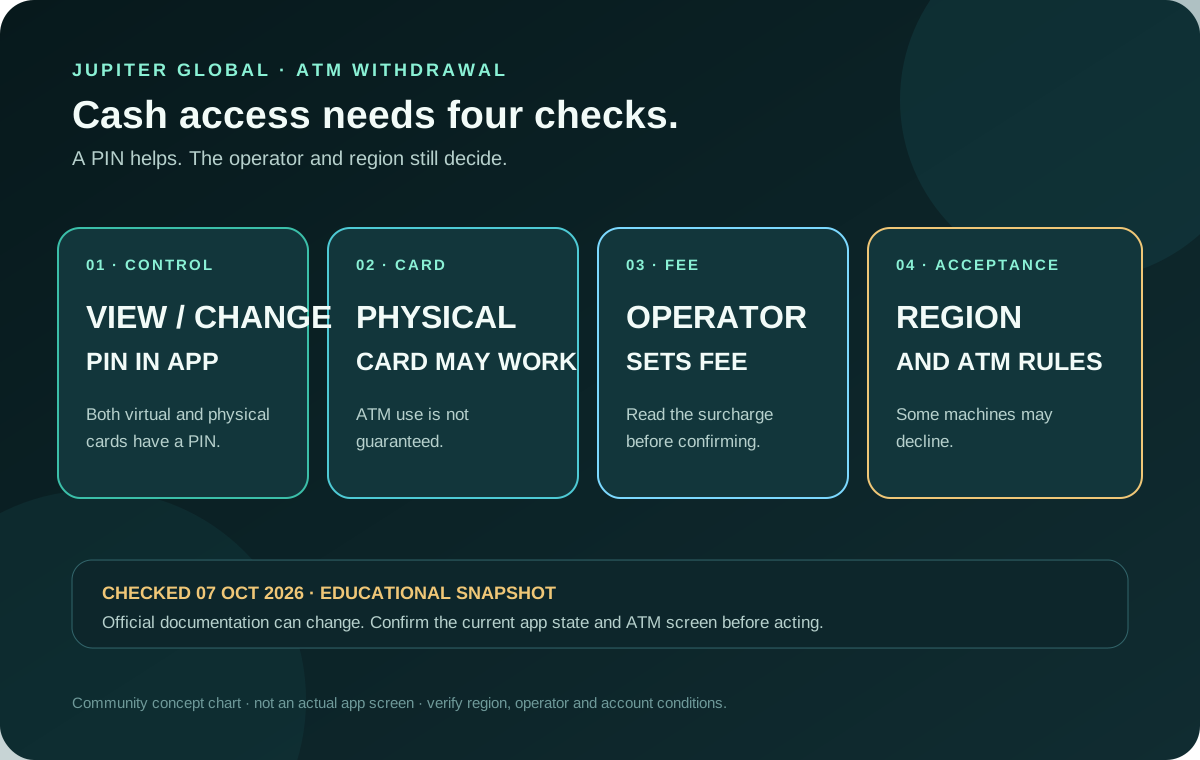
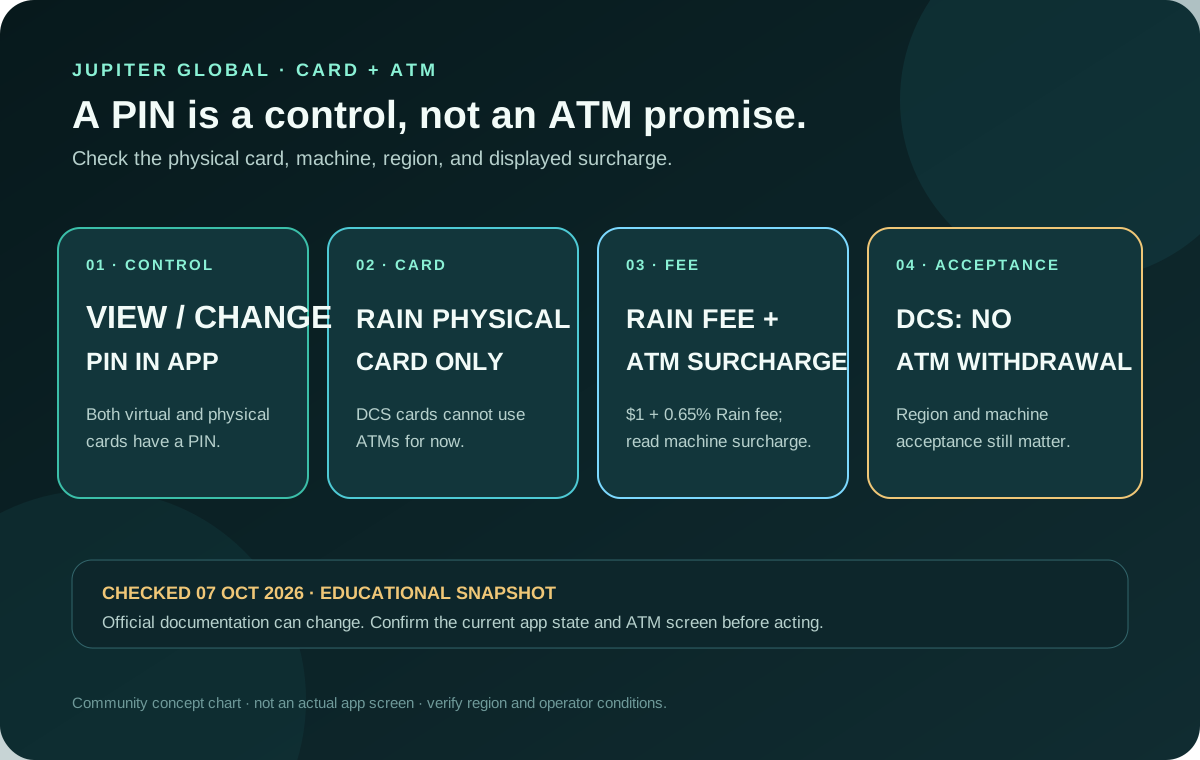
The Jupiter Global card has a PIN you can view and change in the app, but ATM cash is a narrower route: the current FAQ says withdrawals are available on Rain-issued physical cards only. DCS-issued cards cannot withdraw at ATMs for now. A Rain withdrawal has a published fee schedule, and the ATM operator may add its own surcharge; region, machine acceptance and account state still matter. Keep the Jupiter Global guides directory nearby if the machine produces a decline or changes the balance.
Where to find and change the PIN
Jupiter’s Card documentation says Rain-issued virtual and physical cards have a PIN that you can view and change in the Jupiter app; DCS-issued cards do not offer a PIN in the app. Use the legitimate Spend → Card screen and the card’s details or management controls. Do not copy a PIN into a community post, support chat, screenshot, or message to someone offering to “activate” the card. Card management and PIN
The PIN is a control for the card, not proof that cash withdrawal is enabled. A virtual card can be useful for online payments or a mobile wallet, but an ATM attempt should be planned around a Rain-issued physical card and the specific machine. ATM and PIN FAQ
What the official ATM answer actually says
The current FAQ gives a useful issuer boundary: ATM withdrawals are available on Rain-issued physical cards, while DCS-issued cards cannot withdraw at ATMs for now. Even on Rain, acceptance depends on the ATM operator and your region, and some machines may decline. That leaves three separate questions:
- Is the physical Rain card available, delivered, activated, and unfrozen?
- Does the ATM accept the card network and the transaction type in that location?
- Does your region and account support the withdrawal route today, and what surcharge does the machine display?
Do not infer ATM availability from a successful merchant payment, a supported-country listing, or the presence of a PIN. Product availability and withdrawal support are documented separately, and the app is the current place to check your account. Card limitations
Rain’s fee schedule and the ATM’s surcharge are separate
The current fee table gives Rain’s ATM schedule: $1 plus 0.65% of the withdrawal amount. A withdrawal in a currency other than USD adds an ATM FX fee of $0.30 plus 1%. A declined withdrawal or balance inquiry costs $0.60. The ATM owner may add a separate surcharge, shown on the machine before confirmation. Current card fees · ATM fee conditions
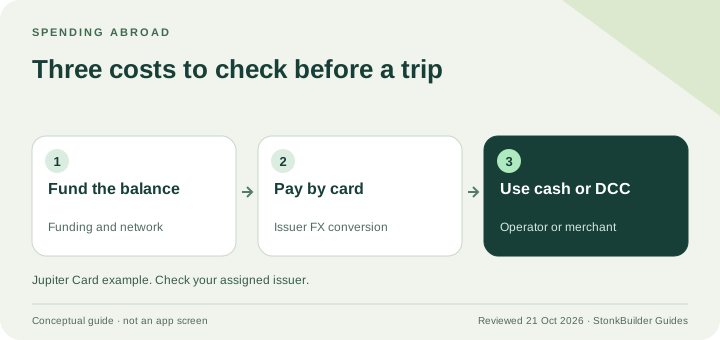
Those ATM charges apply to the Rain physical-card route. DCS-issued cards cannot withdraw at ATMs for now. A non-USD card purchase has a separate issuer FX rule, so do not turn the 1% Rain or 1.8% DCS card-payment rate into an ATM quote; check the issuer shown for your account and the final confirmation screen. Issuer and FX differences
Check the issuer and balance before you try
The current table assigns card spending rules by issuer: Rain has no published spending limit, while DCS lists a $50,000 daily limit and $990,000 annual limit. That is a card-spending table, not a promise that an ATM will dispense cash or that a specific withdrawal amount will pass. Your available USD balance, account status, regional support, machine rules, and any displayed surcharge still matter. Issuer limits
Use the supported-country guide as a starting point, then confirm the live app state. If you are deciding whether a physical card is worth ordering, compare the delivery and rollout conditions in the physical-card cost guide. If the goal is an ordinary purchase rather than cash, the mobile-wallet setup guide may be a lower-friction route.
A safer first ATM checklist
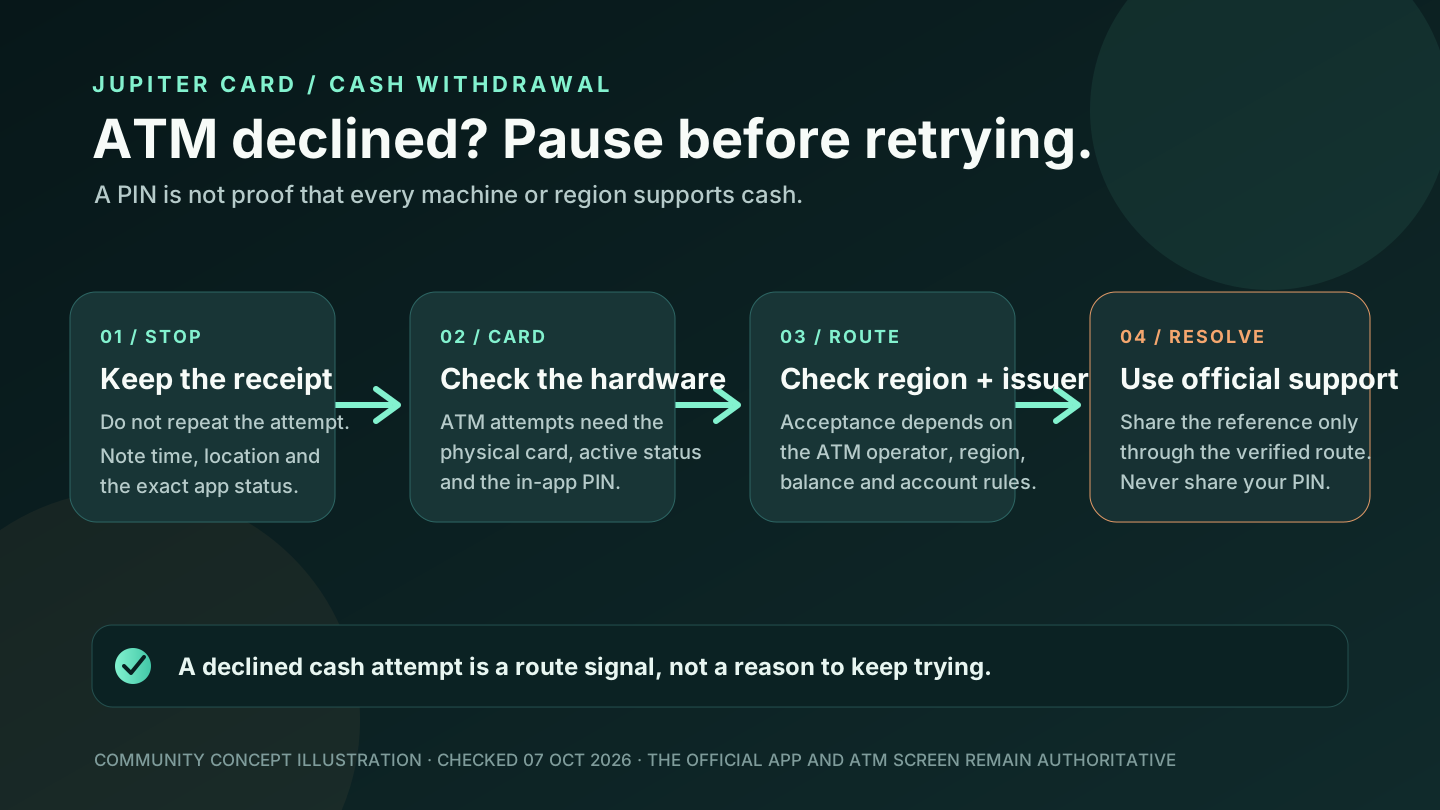
1. Confirm the physical card is visible in your official account, issued by Rain, activated, and not frozen. 2. View or change the PIN in the app before leaving for the ATM; never share it. 3. Choose a reputable machine in a location where the card network is accepted. 4. Read the ATM’s surcharge, currency choice, and withdrawal summary before confirming. 5. Keep the first attempt modest and retain the receipt and app transaction record privately. 6. If the machine declines, do not repeat the attempt rapidly. Check the card status and contact official support with the time, location, and transaction details.
The site’s safety exercise is a quick way to rehearse the pause points. If cash was not dispensed but the balance changed, use the ATM cash-not-dispensed guide; if the machine rejected the attempt before a balance change, use the ATM-decline guide. You’re aiming for a confirmed cash result or a clear decline with no duplicate attempt. A PIN or an ATM logo alone doesn’t tell you the machine will work.
Preflight before ordering or funding
Use the site’s card eligibility check to separate residence, issuer, physical-card rollout, balance and regional questions, then use Quote Compare to keep an ATM route’s visible surcharge separate from bank-transfer or card costs. If a physical card for cash use is available where you live, sign up for Jupiter Global and check the card, issuer and withdrawal controls before funding. ATM withdrawals don’t earn cashback, but eligible Jupiter Card purchases earn 2% cashback, up to $100 a month. Confirm the live ATM route in the official app.
Jupiter Global card PIN and ATM fees FAQ
Can I withdraw cash with a Jupiter Global card?
The current FAQ says ATM withdrawals are available on Rain-issued physical cards only. DCS-issued cards cannot withdraw at ATMs for now. Even on Rain, acceptance depends on the ATM operator and your region and is not guaranteed. A PIN or a successful merchant payment does not prove that a particular ATM will approve a withdrawal.
Where do I find or change the card PIN?
Use the legitimate Jupiter app under Spend → Card and the card’s details or management controls. Do not copy the PIN into a screenshot, public post or support chat, and never give it to someone offering to activate the card.
How much is the Jupiter Global ATM fee?
For a Rain-issued physical card, the published fee is $1 plus 0.65% of the withdrawal. A non-USD withdrawal adds $0.30 plus 1% FX, and a declined withdrawal or balance inquiry costs $0.60. The ATM operator may add its own surcharge, which the machine should show before confirmation. DCS cards cannot withdraw at ATMs for now.
Do issuer limits guarantee an ATM withdrawal amount?
No. Published issuer spending limits describe card rules, not a guarantee that an ATM will dispense a chosen amount. Available USD balance, account state, regional support, machine rules and the displayed surcharge still matter.
What should I do if an ATM declines the withdrawal?
Do not repeat the attempt rapidly. Keep the time, location, receipt and app transaction state, check that the physical card is active and unfrozen, and use official support if the account shows a charge or the decline remains unexplained.
Sources
Checked against these sources on 21 October 2026.