The query Jupiter Global UK can describe two different routes: sending GBP to a UK bank account, or trying to use Jupiter while living in the United Kingdom. The current remittance table lists a GBP bank payout to the United Kingdom. Sending to the UK is one question; opening an account, Card or withdrawal route as a UK resident is a separate one. Global Fiat Remittance · Jupiter Card country rules
The short UK answer
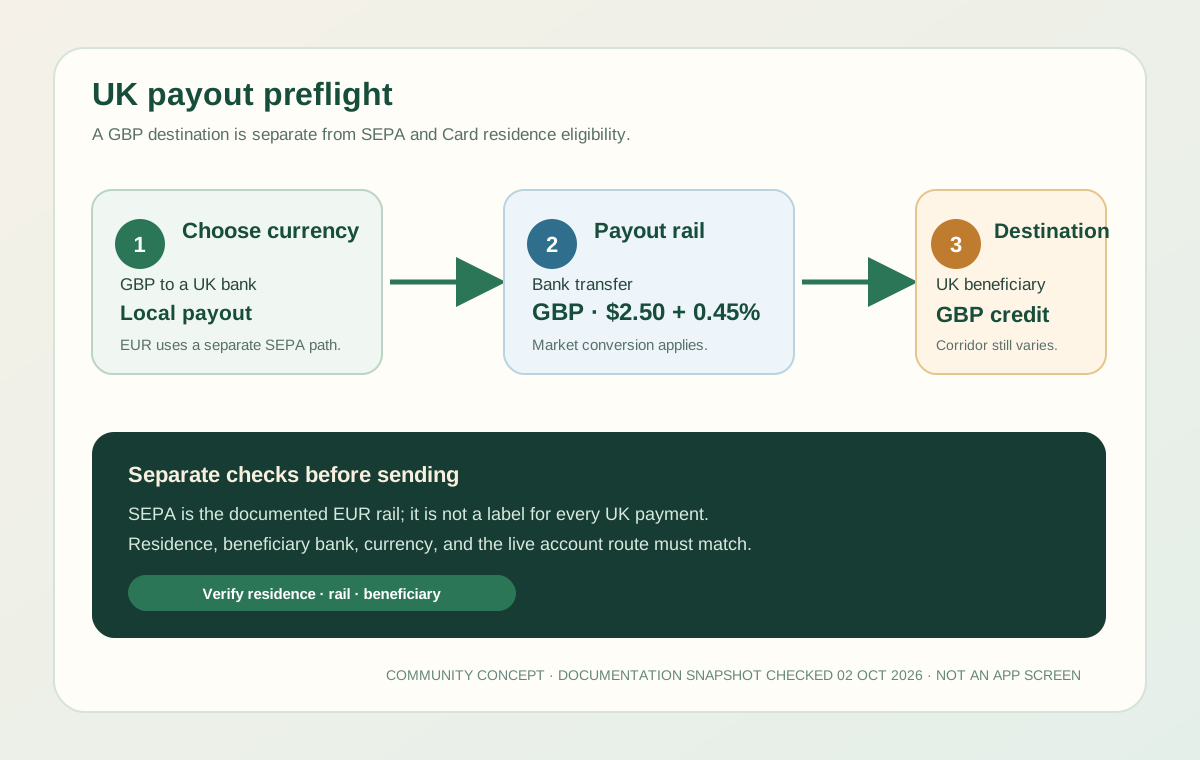
The documented local route is a GBP bank transfer to the United Kingdom. The current payout table shows:
- Destination: United Kingdom
- Currency: GBP
- Payment method: Bank transfer
- Fixed payout fee: $2.50
- Variable payout fee: 0.45%
Jupiter says conversions use the market rate, payout limits are set for each currency and shown in the app, and individual corridors can depend on the beneficiary bank and local rules. Treat the table as a route to investigate, then confirm the exact beneficiary instructions and credited amount inside the verified account. Current fee table · Remittance limitations
GBP is not a SEPA transfer
SEPA is the EUR rail in the current documentation. Jupiter’s remittance page says EUR remittances are supported through SEPA only, and that SWIFT is not supported for EUR remittances. A GBP payout to a UK bank is listed separately as a local bank-transfer route.
That gives you three different questions:
1. GBP to a UK bank: investigate the listed GBP local-payout option. 2. EUR to a UK or EEA beneficiary: confirm whether the recipient and account can use the EUR/SEPA route shown in the app. 3. International wire or SWIFT: do not assume it is an acceptable replacement for a missing GBP or EUR route; the beneficiary bank and currency must match the available corridor.
Do not label a GBP transfer “SEPA” just because the beneficiary is in Europe. Currency, rail, beneficiary location, and account details all matter. Remittance rail rules
UK destination versus UK residence
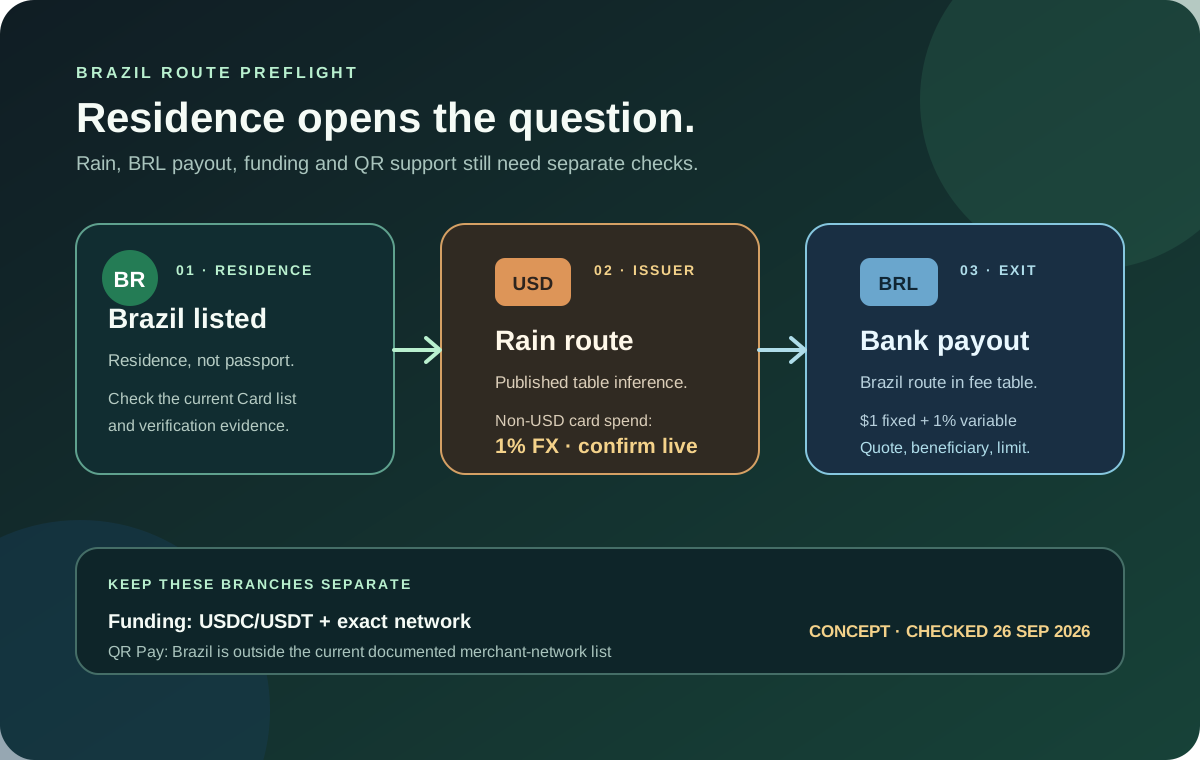
Jupiter says Card eligibility is based on genuine country of residence and verification, not citizenship or the location of a recipient. The current Card country list does not list the United Kingdom as an active Card-residence country. The Fees & Limits page also shows the United Kingdom in a restricted EUR/USD off-ramp table with “No” for both currencies.
This is why a UK beneficiary can be a valid destination question even when a UK resident cannot assume Card or off-ramp access. Keep the following separate:
- Sender residence: the country used for identity and address verification.
- Spend feature: Card, virtual account, or remittance access shown to that account.
- Beneficiary destination: the UK bank, currency, and payout corridor.
Never select another residence country to seek a preferred issuer or payout. Use the information that reflects where you actually live, then inspect the features available after verification. Jupiter Spend FAQ
What the published GBP fee means
The listed payout fee combines a fixed amount and a percentage. At a $1,000 equivalent transfer, the published arithmetic is $2.50 plus $4.50 at 0.45%, or $7.00 before conversion and any receiving-bank charge. That’s an example of the fee formula, not a live quote. The market conversion and final beneficiary amount can differ.
Funding can introduce a separate cost. The current fee table lists pay-in charges for SEPA, ACH, Fedwire, and SWIFT, and says the deposit fee is deducted from the incoming amount. A route that begins with a bank deposit therefore needs a full calculation: incoming rail fee, conversion, outgoing GBP fee, and any bank-side charge. Complete Jupiter Global fees guide
Check the balance asset before planning the exit
The documented deposit and withdrawal boundaries are separate from the GBP table:
- Spend accepts USDC on Solana, Ethereum, Sui, Arbitrum, and Base.
- Spend accepts USDT on Solana for deposits.
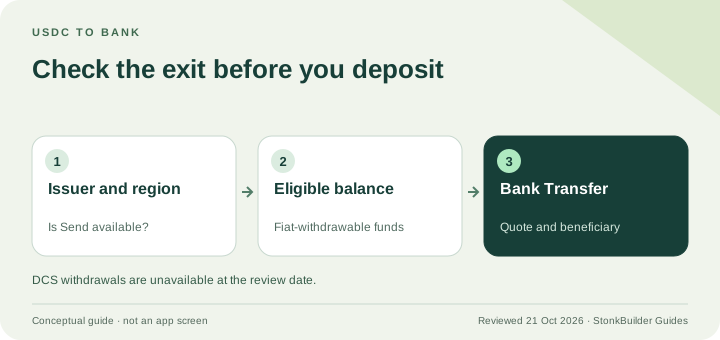
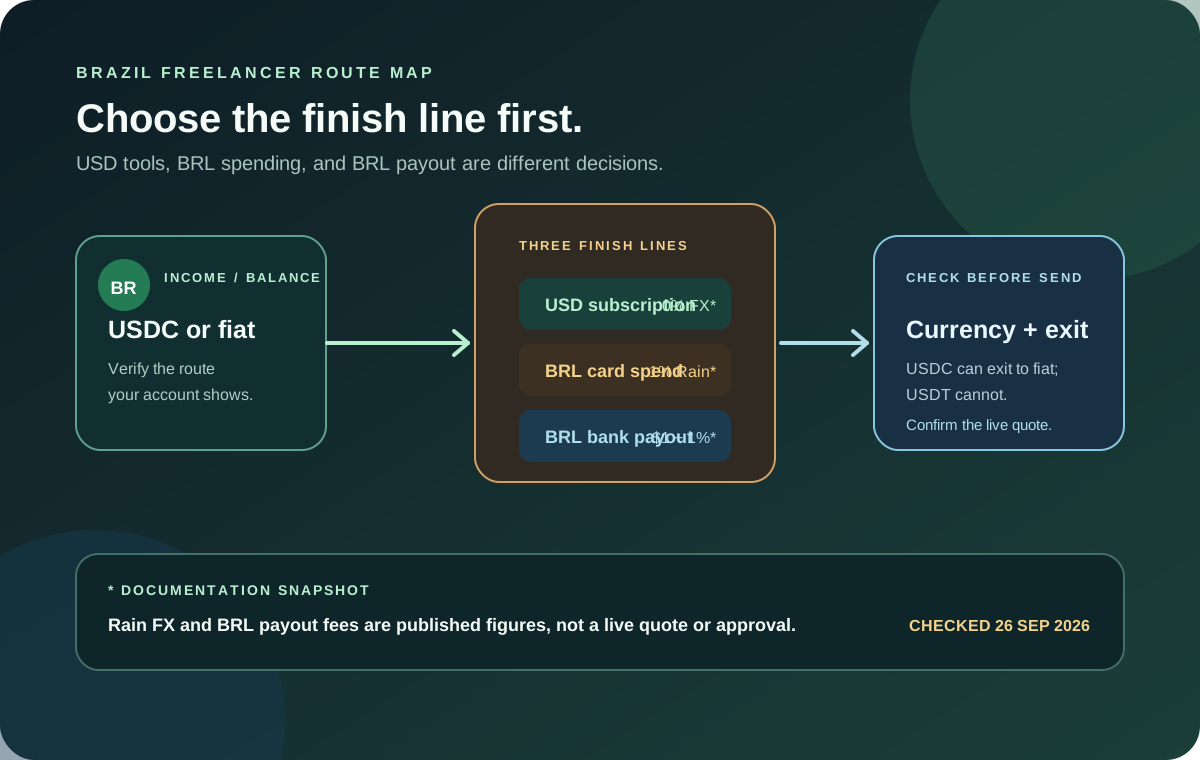
- Only USDC deposits can be withdrawn to fiat through the documented off-ramp boundary.
- USDT deposits cannot be treated as a guaranteed fiat exit.
- An unsupported token or network sent to the deposit address can be permanently lost.
If the final goal is a UK bank credit, open the live Withdrawal or Remittance screen before funding. If your starting funds sit in Jupiter Mobile, the documented Send to Spend path can convert a selected token into USDC, but read the shown network cost, minimum, and final amount before confirming. Funding guidance · Risk guidance
UK payout preflight
1. Confirm your real country of residence and whether the account is allowed to use the required Spend feature. 2. Decide whether the beneficiary needs GBP, EUR, or another currency. Do not choose a rail before choosing the currency. 3. Confirm that the live account offers the UK beneficiary corridor and record the exact bank details it requests. 4. Calculate the fixed fee, percentage fee, conversion rate, and expected amount received. 5. Confirm that the balance comes from USDC if a fiat withdrawal is required. 6. Match the beneficiary name, account identifiers, bank country, currency, and reference exactly. 7. Use a modest first transfer and keep the transfer reference until the UK bank credit is reconciled.
The bank-transfer corridor guide explains why a published currency does not guarantee every beneficiary route. The withdrawal guide covers the USDC and region boundary, while the ACH vs SWIFT guide explains why the incoming funding rail must be compared separately. Use the site’s Route Finder to choose the destination, currency, and goal before funding. The Quote Compare tool uses figures you enter; it does not fetch a live Jupiter quote.
If you are starting from zero, read the app-download guide and run the residence preflight before funding. If a UK payout is what you need, create your Jupiter Global account and confirm the route in the app. If you live where the card is offered, eligible card purchases also earn 2% cashback, up to $100 a month. The referral link does not prove corridor access, residence eligibility or the final amount credited. If the route is missing or the beneficiary details differ, stop before sending and contact official Jupiter support with the transfer reference.
Jupiter Global UK FAQ
Is a GBP payout to the UK a SEPA transfer?
No. The current documentation treats GBP to the United Kingdom as a separate local bank-transfer route. SEPA is the EUR rail, so confirm the currency, beneficiary country and rail shown in the live Remittance flow.
Can someone living in the UK open a Jupiter Card?
The current Card country list does not list the United Kingdom as an active Card-residence country. A UK beneficiary destination is a separate remittance question and does not establish Card, Spend or withdrawal eligibility for a UK resident.
What does the UK GBP payout fee mean?
The published formula is a $2.50 fixed fee plus 0.45% of the transfer amount. At a $1,000 equivalent, that is $7.00 before conversion and any receiving-bank charge. Use the live quote for the actual amount and fee.
Can I deposit USDT and withdraw GBP to a UK bank?
USDT on Solana is documented as a Spend deposit pair, but only USDC deposits are documented as eligible for fiat withdrawal through the off-ramp. Check the account-specific Withdrawal or Remittance screen before funding.
What should I do if the UK corridor or beneficiary fields are missing?
Stop before sending. Record the account status, destination, currency, requested beneficiary fields and any error, then use official support. Do not substitute a different rail or send a duplicate transfer while the first route is unresolved.
Sources
Checked against these sources on 21 October 2026.