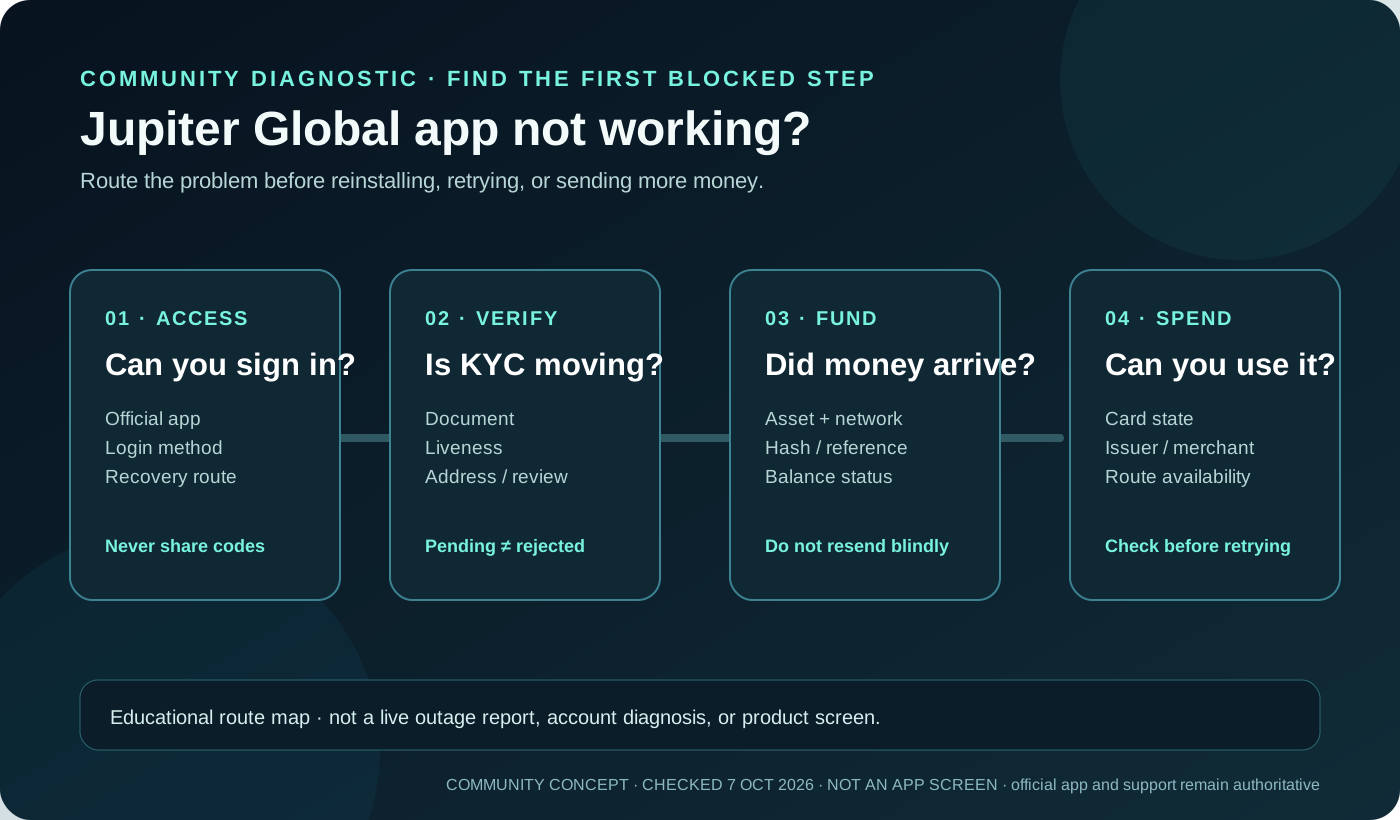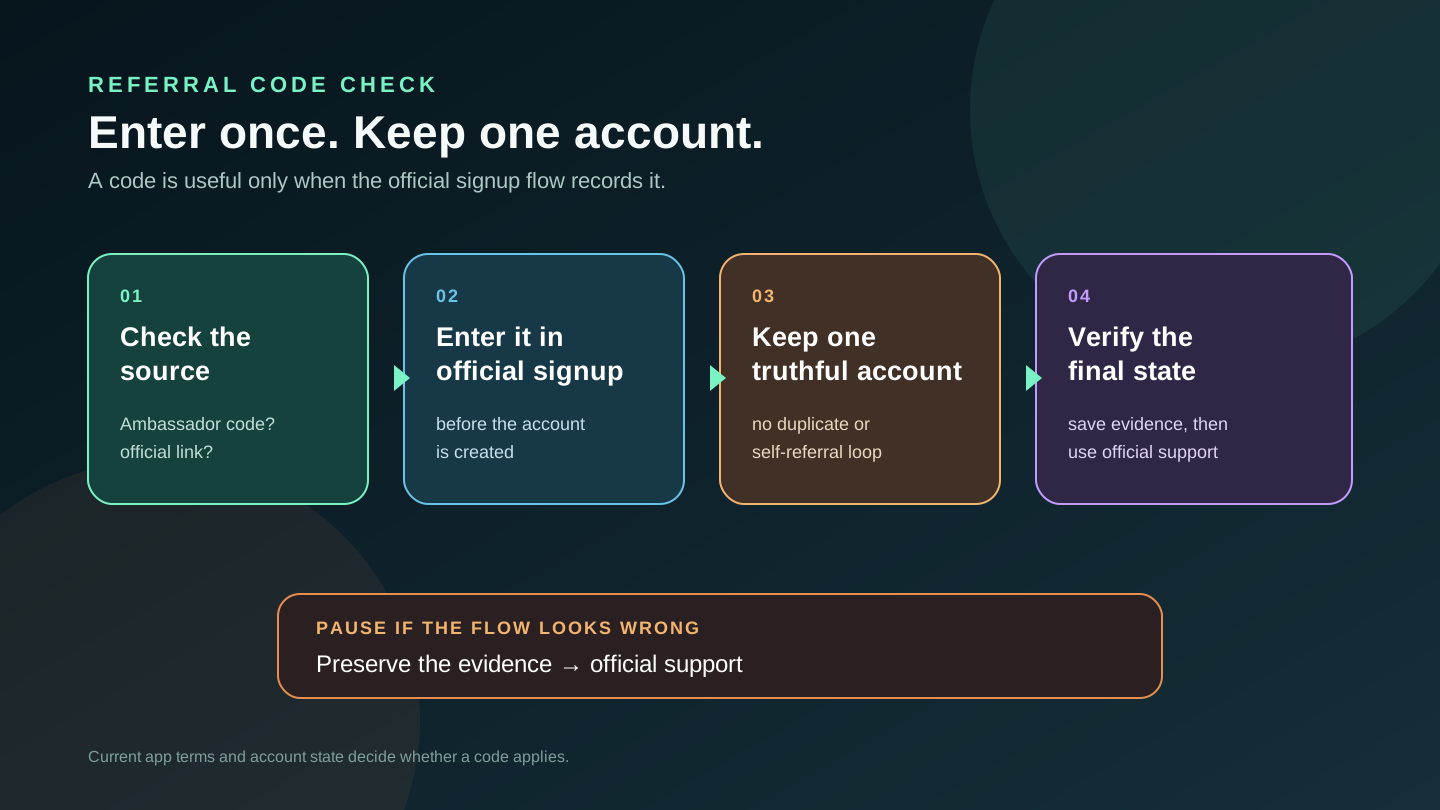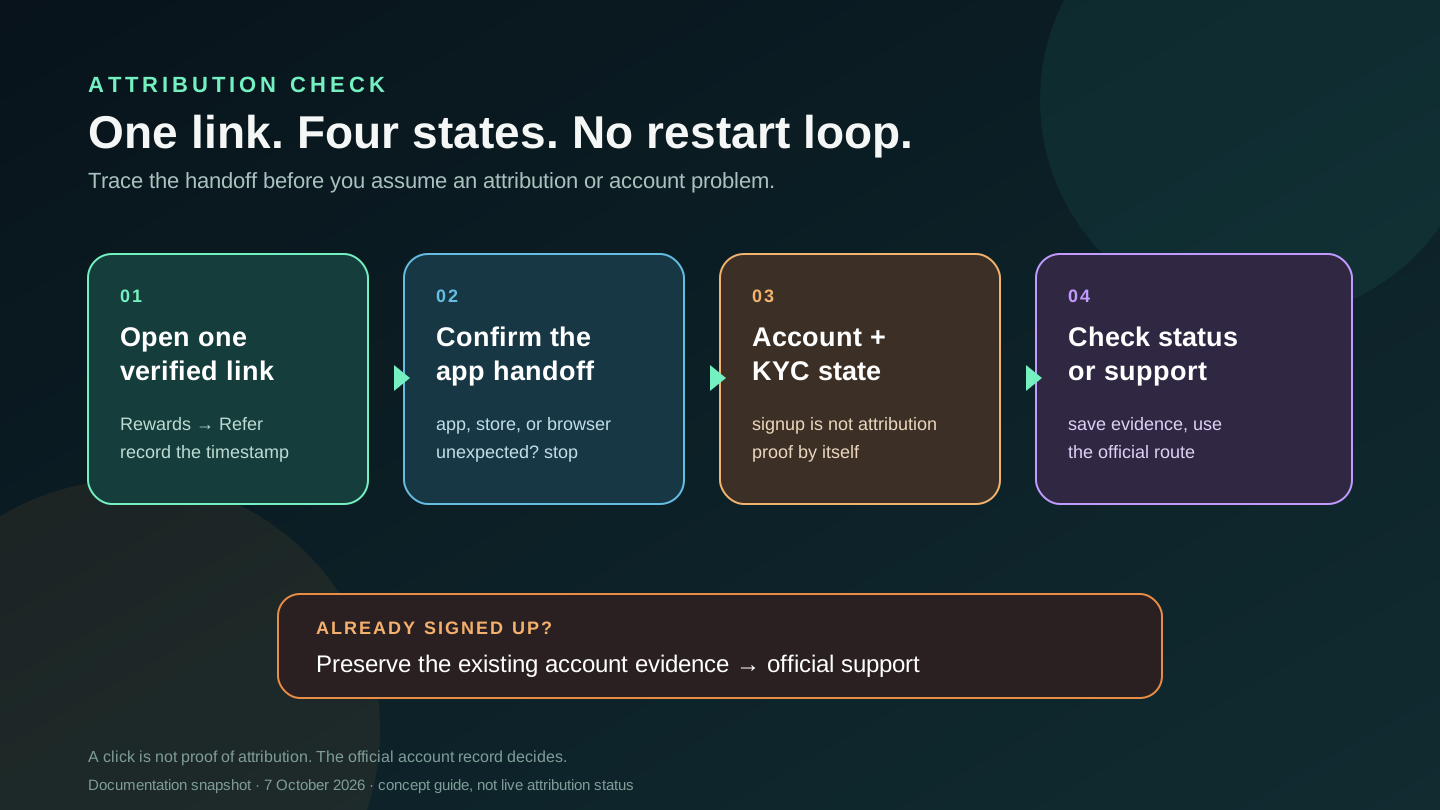
If a Jupiter Global referral link isn’t working, first work out which part failed: the link itself or your account. A link can open the app or a store page before any referral is recorded, and residence, identity review and product access are all checked separately. The steps below help you find the missing piece without creating a duplicate account or handing your details to a stranger.
Start with one verified link
The official referral flow is the source of truth. Jupiter’s documentation directs a referrer to open the Rewards screen, choose Refer, and copy or share the personal referral link. Referral link location · Referral FAQ
Use one link from one trusted source and record the time you opened it. If the destination is unexpected, use the Jupiter Global app-download handoff to check the store and device route before continuing. If the problem is a missing code field rather than a broken link, use the referral-code checklist. You can also run the eligibility and route checker for country questions, though it can’t see your account, referral status or KYC state. The destination may open the Jupiter app, an app-store page, or a browser landing page depending on your device. Stop and use the official app or support route instead of following a message that asks for a password, one-time code, private key, or payment.
Match the symptom to the checkpoint
| What you see | What it proves | Safe next check |
|---|---|---|
| The URL shows an error or does not open | The handoff failed on this device or browser | Copy the exact URL, try the normal device browser, and confirm the destination before continuing. |
| The app or store opens, but no referral context is visible | The destination opened; the referral isn’t confirmed yet | Continue only in the official flow and keep the original link and timestamp private. |
| Signup is complete but identity review is pending | An account exists; the review is unfinished | Keep the existing account and follow the in-app verification request. |
| The account is active but the referral status is unclear | Signup and the referral record are tracked separately | Check the official account screens and ask support to inspect the existing account. |
A redirect, an app install or a click doesn’t prove the referral was recorded. Jupiter’s own account record is what counts.
Separate the four states
It does not open. Check the exact URL, try the device browser rather than an embedded social browser, and note whether the link reaches Jupiter, an app store, or an error page. A browser handoff problem is different from an account that has already been created.
It opens, but you have not signed up. Continue only in the official flow and confirm the referral context shown there. Opening the link isn’t proof that the referral was recorded. Do not assume that reinstalling the app or opening the link many times will repair a missing record.
You signed up and KYC is pending. Wait for the account and verification state to resolve through the official Verification Center. Keep the existing account history and use the KYC guide for the next evidence-safe step.
The account is complete, but the referral status is unclear. A missing status is not automatically a broken link. Check the account’s current referral or campaign screen, then use official support if the record is missing or contradictory.
Do not restart the account
Creating a second account, referring yourself, or asking someone to create an account on your behalf can make the referral harder to trace and can break program rules. Jupiter’s current FAQ and security guidance describe duplicate-account and suspicious-activity safeguards. Referral safeguards · Fraud and abuse controls
Do not manufacture activity to force a status change. If you already completed signup, preserve that account history rather than starting over.
Preserve a private evidence packet
Before contacting support, write down:
- the exact referral URL used and where you received it;
- the date and time, device, browser, and whether the app or store opened;
- the account signup, KYC, and referral status shown in the official app;
- any case number or error text.
Keep this record private. Never include a recovery phrase, private key, password, one-time code, full card number, or an identity document in a public post. Screenshots should hide personal and financial details unless the verified support flow specifically requests a document.
When to use official support
Use Jupiter’s official support route when the link reaches the product but the account or referral state is unclear, when the app shows a specific error, or when the link destination is not the expected official route. Ask support to check the referral status on your existing account. Only Jupiter can look up those records; nobody else can attach a referral, backdate a click or change KYC for you. Official support
Haven’t signed up yet? Check the Jupiter Global signup requirements and your residence first, then sign up for Jupiter Global and confirm that it lands in the official Jupiter flow you expect. You’ll earn 2% cashback on eligible Jupiter Card purchases, up to $100 a month. If you already have an account, keep it and let official support look into the referral.
Jupiter Global Referral Link Not Working FAQ
What does a Jupiter Global referral link opening prove?
It proves only that the handoff reached a destination such as the app, store or browser page. It doesn’t prove that the referral was recorded, that identity review is complete, or that an account is eligible for a product or campaign.
What should I do if the referral link does not open?
Copy the exact URL, try the normal device browser instead of an embedded social browser, and verify whether it reaches the official app, store or site. Stop if the destination asks for a password, one-time code, private key or payment outside the official flow.
Should I create a second account if the referral didn’t apply?
No. Keep the existing account and check its official referral or campaign screen. A second account, self-referral or account created by someone else can make the referral harder to trace and may conflict with program safeguards.
Does pending KYC mean the referral link failed?
No. A completed click, an existing account, identity review and the referral record are separate states. Follow the official verification flow and keep the original account history while the review is pending.
Who can confirm whether a referral was recorded?
Only Jupiter’s own account records and official support can confirm it. Preserve the original link, timestamp, device, account state and error details privately, and never send recovery phrases, private keys, passwords or one-time codes.
Sources
Checked against these sources on 7 October 2026.