If you searched for a Jupiter Global referral code or promo code, what matters is whether the code belongs to a current Jupiter Global campaign, is entered during the official signup flow, and is attached to a genuinely new account. Jupiter’s current documentation calls the relevant campaign input an Ambassador referral code. There is no universal code, and this site doesn’t publish one. The code, the link, your KYC result and your account status are each checked separately.
Check what kind of code you have
Jupiter’s current campaign documentation describes an Ambassador referral code for a limited signup offer. It says a new Jupiter Mobile user must enter the Ambassador’s code during signup; an existing account or an account created without the code is not covered by that offer. Current campaign wording
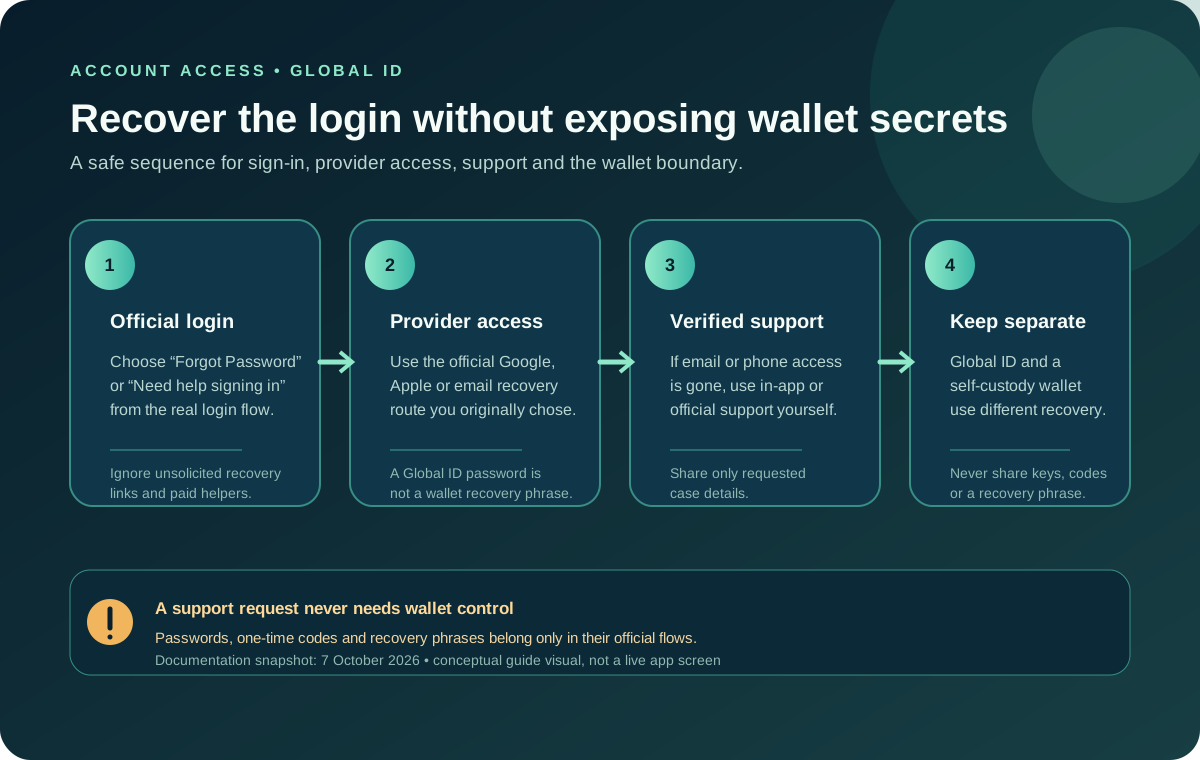
Those two pieces can appear together in a message, but do not assume that every string labelled “referral code” is official. Do not pay for a code, buy an account, or trust a message that asks for a password, one-time code, recovery phrase, private key, or card security details.
Referral code and promo code are not interchangeable
“Promo code” is a common search phrase, but the current official campaign page describes an Ambassador referral code tied to the signup flow. A code copied from an old review, social post, or coupon page may be expired, tied to another campaign, or unrelated to Jupiter Global. Use the offer and field shown in the official app as the authority. If no code field appears, do not paste a string into a random form and do not create a second account to try again. Current campaign terms
Use the code before the account exists
The safest order is:
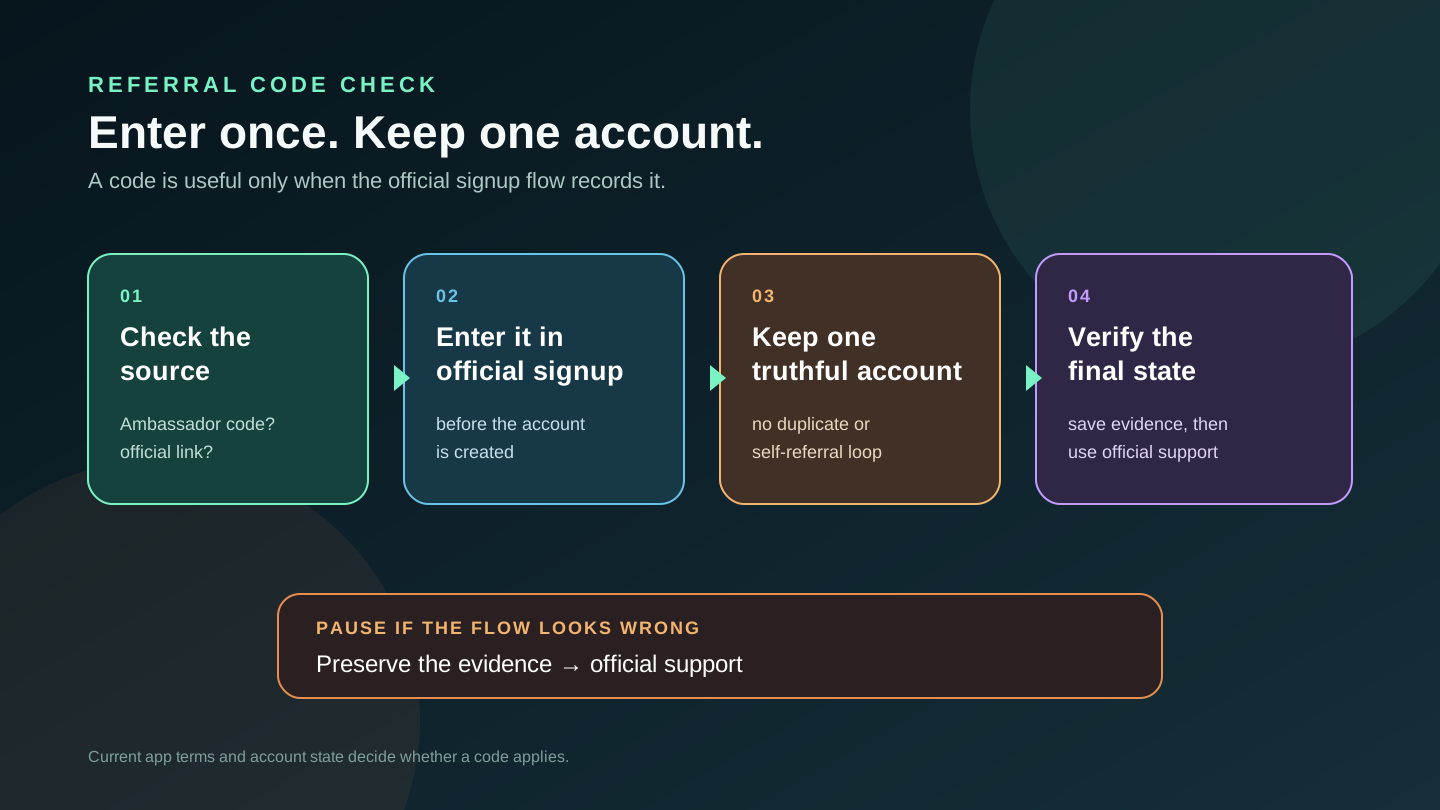
1. Open the official destination from one trusted referral link or the Jupiter app. 2. Read the offer or code field shown during the official signup flow. 3. Enter the code exactly once, where the app asks for it. 4. Confirm the account and KYC details you are about to submit. 5. Save the date, the visible offer wording, and the final confirmation privately.
Do not create an account first and hope a code can be added later. Jupiter’s campaign page says an account created without the qualifying code is not covered by that campaign. The app’s current screen and terms decide what applies to your account, and a code can’t be backdated or attached after signup.
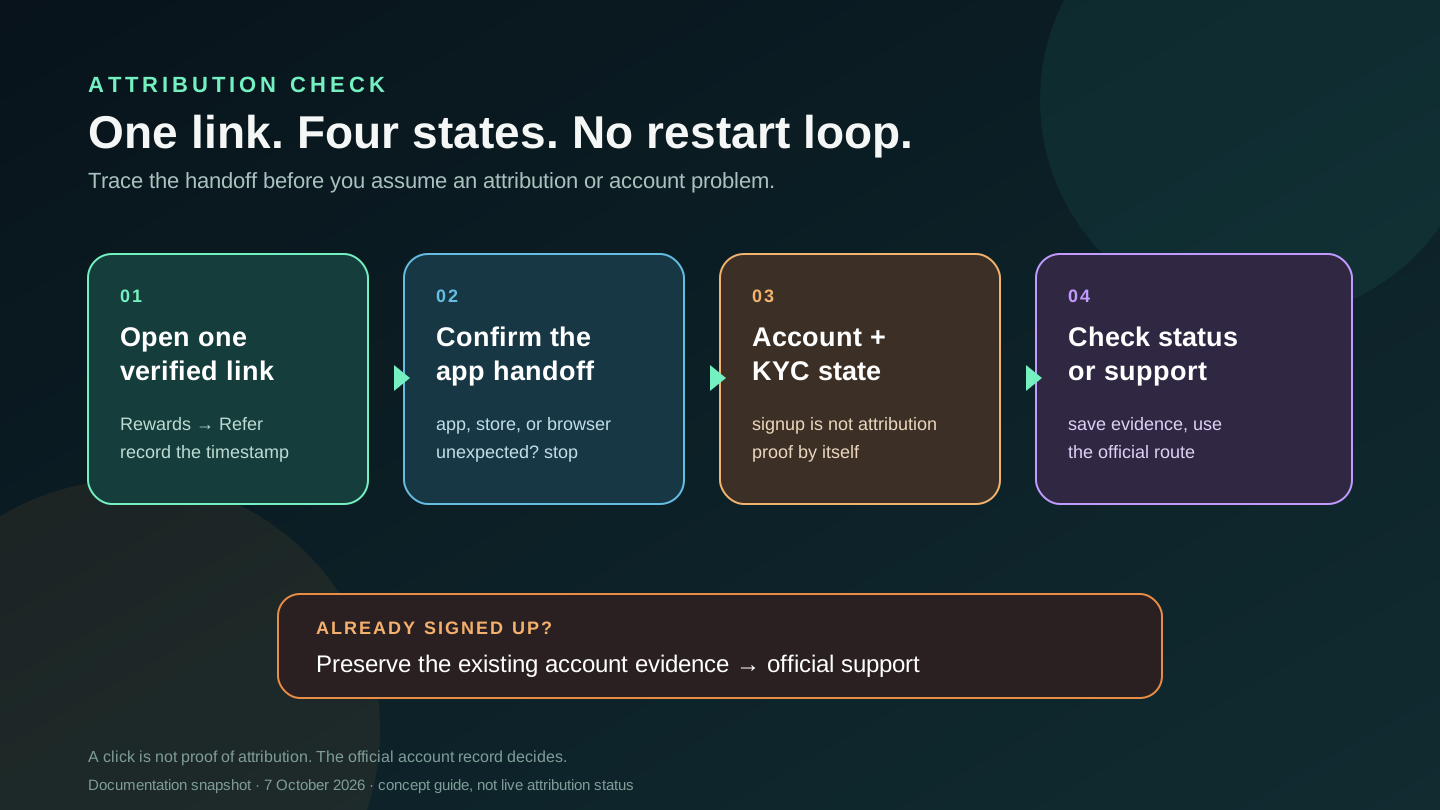
If you are ready to open the official handoff, use the official app-download route and check that the destination is Jupiter before continuing. On a phone, the handoff may move into the app or an app-store flow; on desktop, it may show a browser page. Keep the original link and the code together in your private notes so you can explain the sequence if support needs to trace it.
If you already understand the route and want the short preparation checklist, use the official setup checklist before continuing.
If residence or the intended feature is still uncertain, use the site’s residence and feature checker first. It can’t approve an account, but it helps you avoid signing up blind.
Once your residence checks line up, open the Jupiter Global signup and enter any current code only where the official flow asks for it.
Code, link, and account are three checkpoints
The link opens but no code field appears. Do not paste the code into a random website or a chat window. Continue only through the official app or page. If the offer is not shown, record what you see and ask official support whether the current campaign uses a link, a code, or both.
The code is rejected. Check for spaces, look-alike characters, an expired or campaign-specific offer, and whether you are using the correct account flow. Avoid repeated guesses. A rejection is a signal to preserve the evidence, not to create several accounts.
The code is accepted but KYC is pending. That is an identity-review state, not confirmation that the account is ready for Spend. Follow the Verification Center request and keep the existing account history. KYC pending checklist
You already completed signup without the code. Do not open a second Jupiter ID or ask another person to create one for you. Jupiter’s security guidance describes controls for duplicate accounts, self-referrals, suspicious patterns and manufactured activity. Keep the existing account and use official support if the signup record is unclear. Program controls · Referral FAQ
Keep a private proof of the handoff
Record the source of the code, the exact link, the time you opened it, the device and browser, the screen where the code was entered, and the account or KYC status shown afterward. Redact email addresses, identity numbers, full card numbers, passwords, OTPs, recovery phrases, and private keys before sharing anything. Official support may ask for a transaction or account reference, but no legitimate helper needs wallet access.
In short: enter the code in the official flow before signup, keep one honest account, and read what the offer means in the app’s current terms. When you’re ready, create your Jupiter Global account. Eligible Jupiter Card purchases earn 2% cashback, up to $100 a month.
Jupiter Global Referral Code FAQ
Where do I enter a Jupiter Global referral code?
Enter an official Ambassador referral code only in the code field shown during the Jupiter signup flow, before the account exists. A referral link, a campaign code, KYC status and your account’s referral record are separate checkpoints.
Is a referral code the same as a promo code?
Not necessarily. Jupiter’s current campaign wording describes an Ambassador referral code tied to a particular signup offer. Old posts, coupon pages and random strings may be expired, campaign-specific or unrelated. The current official app and terms control.
Can I add a referral code after creating an account?
Do not assume so. The current campaign documentation says an account created without the qualifying code is not covered by that offer. Keep the existing account and ask official support rather than creating a duplicate account.
What if the referral code is rejected?
Check the exact characters, spaces, campaign wording and account flow once, then preserve the error and visible offer privately. Avoid repeated guesses, paid codes and messages that request passwords, one-time codes or wallet secrets.
Does entering the code guarantee the referral will count?
No. Code entry is evidence of one signup step, not proof of eligibility, KYC completion or a recorded account status. Keep the original link, timestamp, code screen and current account state for official support if needed.
Sources
Checked against these sources on 29 September 2026.