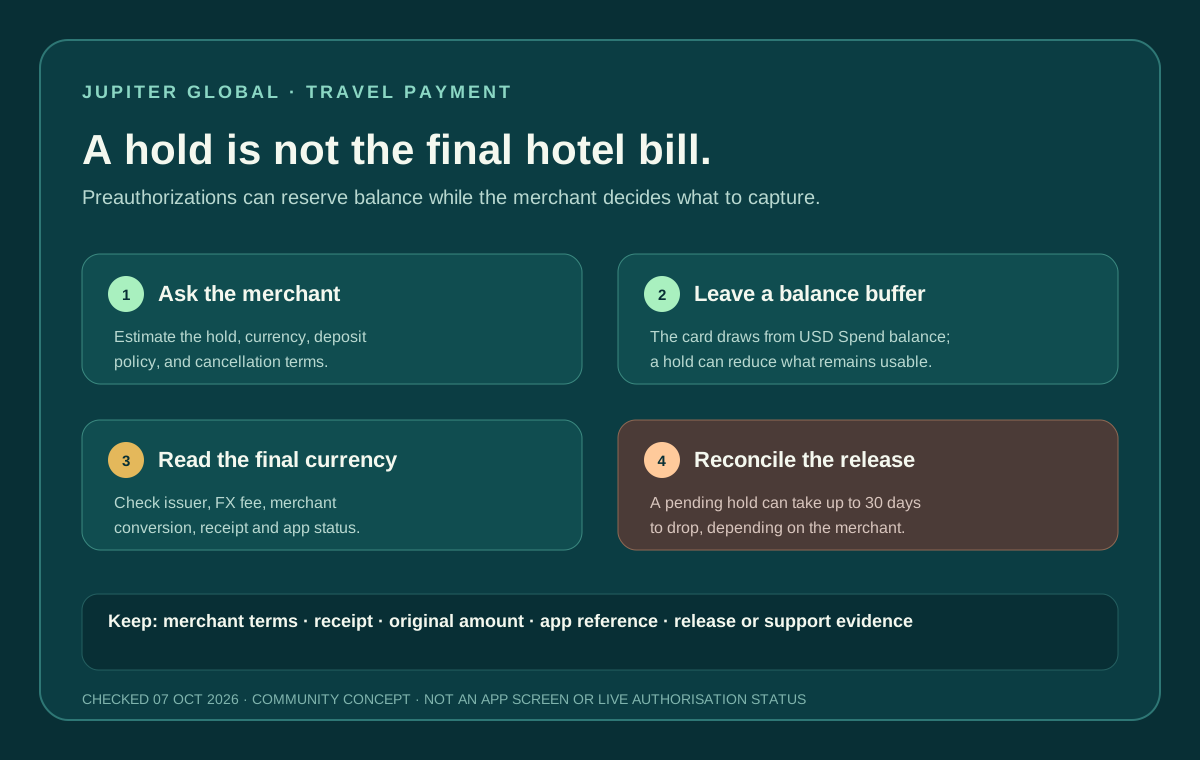
A hotel deposit or rental-car hold is a different card test from an ordinary purchase. The merchant may reserve funds first, capture a final amount later, and release the unused part on its own schedule. Jupiter’s current FAQ says an authorisation hold can remain pending for up to 30 days, depending on the merchant. Authorisation timing
Jup Global Community is an independent learning site published by StonkBuilder.
The short answer
Jupiter Global can be a poor single payment method for a hotel check-in or rental-car desk when you cannot afford a temporary balance reduction. The card draws from a USD Spend balance, and the merchant’s hold can make part of that balance unavailable even before the final bill is known. Card balance mechanics
Before you rely on it, ask the merchant:
- What is the expected authorization or security deposit?
- In which currency will it be placed?
- Will the amount be captured, partially captured, or released?
- How long does the merchant normally take to release the unused amount?
- What is the backup policy if the card declines?
Keep a second payment method for a trip where a hold, decline or delayed release would strand you.
A hold is not the same as a settled charge
The FAQ describes a transaction that is authorised but not captured as a pending authorisation on the card balance. The merchant controls when that hold drops; Jupiter does not set the merchant’s release clock. Once it drops, the funds return to the available balance. Pending-authorisation rules
That creates three separate states:
1. Pending hold: funds are reserved, but the merchant has not completed the final capture. 2. Settled charge: the merchant has captured an amount that should match the final receipt. 3. Released or reversed hold: the unused amount becomes available again after the merchant releases it.
Do not judge the result only by the balance number. Match the merchant’s check-in or return receipt with the exact transaction reference shown in the official app. Because the current Card documentation does not provide transaction notifications, use the manual transaction-monitoring guide when you need to reconcile a hold without relying on a push alert.
Leave room in the USD balance
The Jupiter Card spends from the USD balance in Spend. A displayed currency preference does not create extra funds in another currency. Leave enough room for the merchant’s maximum stated hold, the expected final charge, and any other payments you still need during the trip. Spend balance and currency
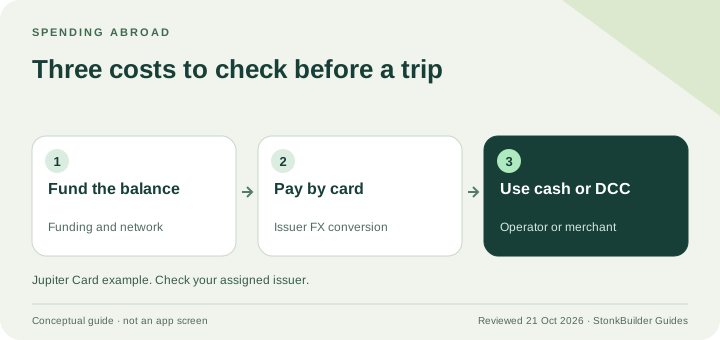
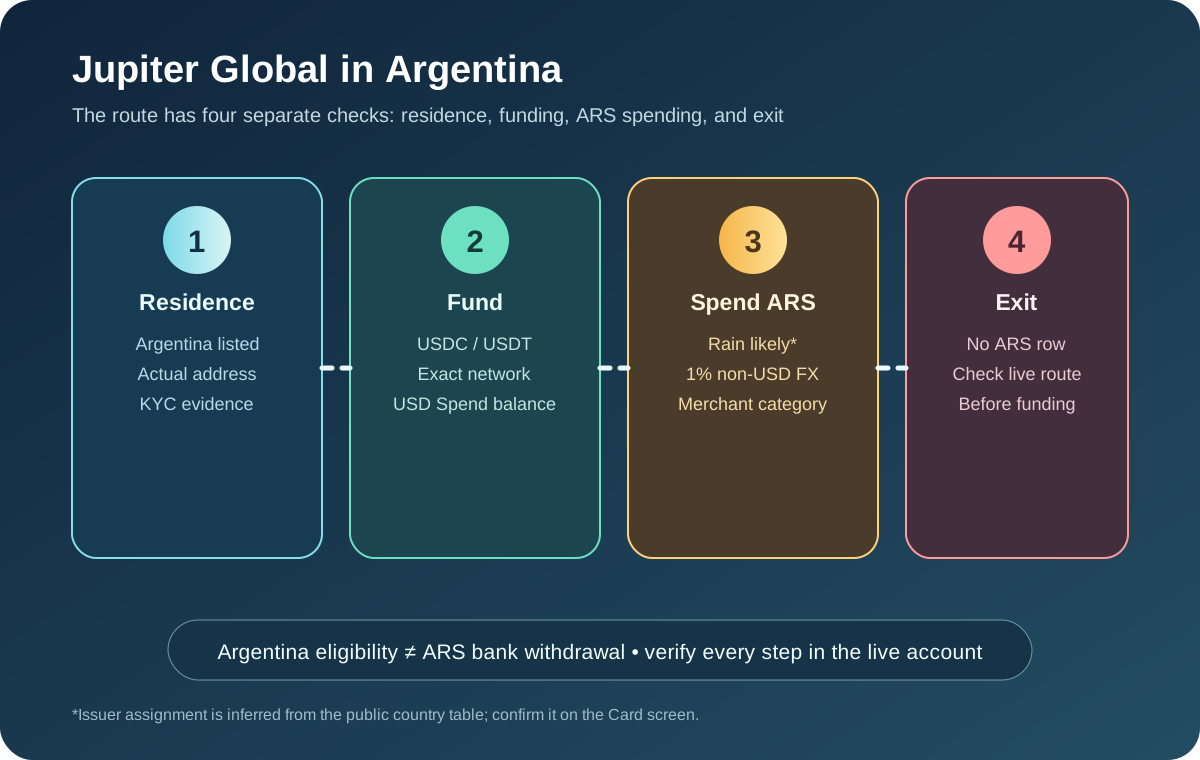
If the merchant quotes a non-USD amount, check the issuer assigned to your residence and the displayed FX charge before confirming. The current documentation lists a 1% non-USD FX fee for Rain and 1.8% for DCS. The issuer is assigned from residence; you cannot select it at the hotel desk. Issuer fees
Do not deposit an amount you cannot afford to keep tied up. A larger balance may make the transaction easier, but it does not make the merchant’s release timing faster or guarantee approval.
Hotels and rental cars add their own checks
Hotels may place a deposit for incidentals, not just the room rate. Rental companies can reserve funds for fuel, damage, insurance excess, or a different vehicle category. The merchant’s policy determines the hold and the capture.
Before arrival or pickup, save the merchant’s written policy and ask whether the card must be physical, whether a mobile wallet is accepted, and whether the name on the booking must match the cardholder. A phone-wallet tap can be useful where supported, but a merchant can still require a physical card or reject a route under its own policy.
If a rental desk says the payment failed while the app shows a pending hold, do not retry repeatedly. Ask the desk to identify whether it created an authorization, a reversal, or no transaction, and keep the original reference before trying another method.
Check the route before travel
| Check | Evidence to keep | Pause when |
|---|---|---|
| Merchant policy | Deposit amount, currency, accepted card format | The desk cannot explain the hold or release process |
| Available balance | USD Spend balance plus buffer | A hold would leave no usable backup |
| Issuer and FX | Issuer shown in-app, final currency and fee | You are relying on a guessed conversion |
| First result | Merchant receipt and app reference | The desk says failed but the app shows pending |
| Release | Final receipt, reversal or support case | The hold remains beyond the merchant’s stated window |
The virtual-versus-physical card guide explains when a physical card or wallet route may matter. The first-card payment guide covers a lower-risk ordinary test, while the refund guide explains a separate post-settlement credit.
If the hold remains pending
Record the merchant name, booking or rental reference, original amount, currency, date, and Jupiter transaction reference. Ask the merchant to confirm whether it released or captured the authorization. Keep sensitive card details private and use the verified in-app support route if the merchant has released the hold but the app still shows it pending. Official support path
Do not assume that freezing the card releases a merchant hold. Freeze is a security control for future transactions; the merchant still controls its existing authorization and release. Security guidance
If the card fits your travel route, sign up for Jupiter Global after confirming the merchant policy, balance buffer, issuer and FX treatment, and a backup payment method. Eligible card spending earns 2% cashback, up to $100 a month.
Before you travel, aim to have a confirmed merchant policy, enough available balance for the temporary hold, a backup payment method, and an evidence trail that can reconcile the final charge and release.
Use the Route Finder to record the travel-payment goal and backup route before funding.
Jupiter Global Hotel and Rental-Car Hold FAQ
How long can a Jupiter Global hotel or rental-car authorization stay pending?
The checked FAQ says an authorization hold can remain pending for up to 30 days depending on the merchant. The merchant controls the release clock, so ask for its release policy before relying on the card for a trip.
Is a hotel deposit the same as a final card charge?
No. A merchant may reserve funds first, capture a final amount later, or release an unused portion. Match the merchant receipt and app transaction state instead of treating every balance reduction as a settled charge.
How much balance should I keep before a rental-car hold?
Leave room for the merchant’s maximum stated authorization, the expected final charge, applicable issuer FX fees and other essential trip payments. A larger balance does not guarantee approval or make the merchant release the hold faster.
What should I do if the desk says the card failed but the app shows a pending hold?
Do not retry repeatedly. Ask the desk whether it created an authorization, reversal or no transaction, keep the original reference and use a backup payment method while the first state is reconciled.
What evidence is useful when a released hold remains pending?
Keep the merchant name, booking or rental reference, original amount, currency, date, final receipt or release confirmation and Jupiter transaction reference. Use verified in-app support and never share a PIN, one-time code, password, recovery phrase or full card security code.
Sources
Checked against these sources on 7 October 2026.