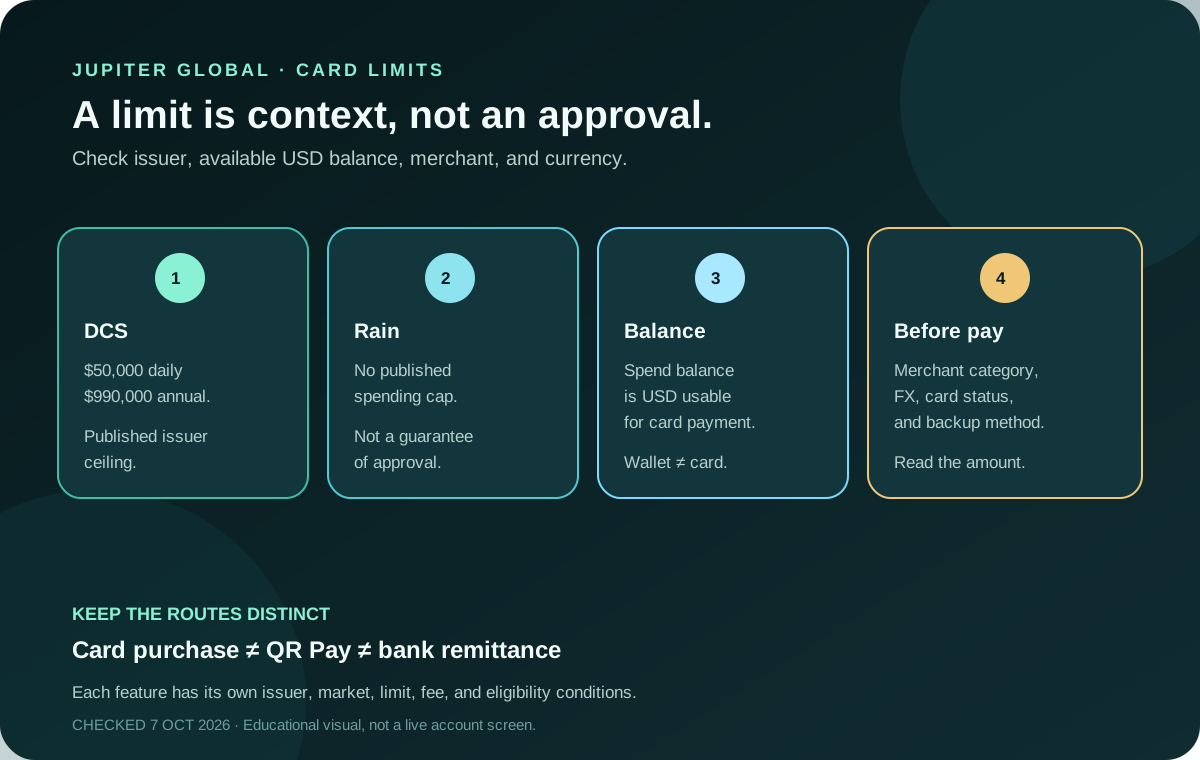
“What is the Jupiter Global card limit?” has two answers because the card issuer matters. The current documentation lists a DCS daily and annual ceiling and shows No limit for Rain. That label is still not a payment guarantee: your available USD balance, issuer checks, merchant category, currency, and account status decide whether a transaction can proceed. Start with the Jupiter Global guides directory if you need a different route after this limit check.
The published limits
Jupiter’s current Fees & Limits page lists:
- DCS: $50,000 daily and $990,000 annual.
- Rain: No limit in the published table.
The FAQ repeats the same issuer split. “No limit” here means the documentation does not state a numeric ceiling for Rain; it is not a promise that every transaction size, merchant, or account state will be approved. Card spending limits
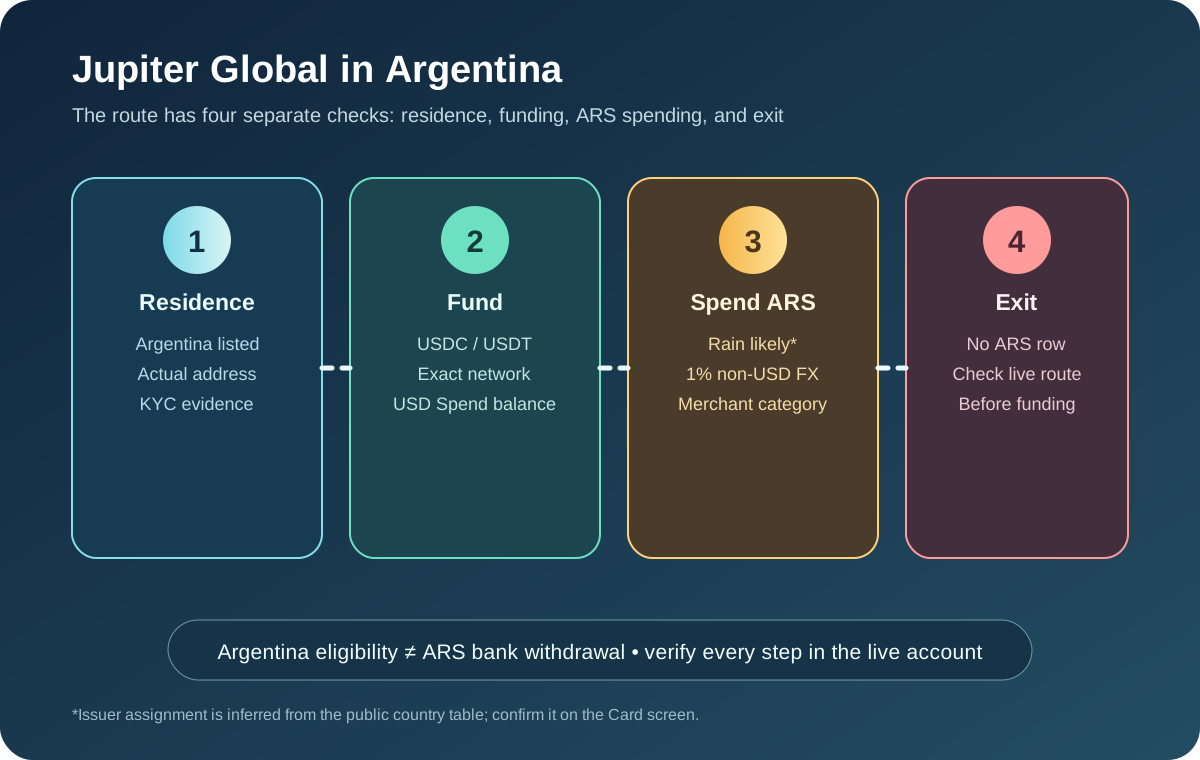
Your issuer is assigned automatically based on your country of residence, and the card documentation says one user cannot hold cards from both issuers. You cannot choose Rain or DCS to obtain a preferred ceiling. Issuer assignment
A spending limit is not a credit line
The Jupiter Card draws from the USD balance in Spend. Jupiter says it does not issue credit lines, so a high issuer ceiling does not let you spend money you have not deposited. The practical limit for a purchase is the lower of your available balance, the issuer’s documented limit, the merchant’s acceptance, and any account-specific control shown in the app. How the card works
The app displays the Spend balance in USD; deposited USDC and USDT are not automatically converted to USD on arrival. With Rain, the stablecoins remain on-chain as card collateral. A successful deposit is not the same as an available bank withdrawal, and a displayed balance should not be treated as a promise that every exit is open. Spend FAQ
Check the balance that the card can actually use
Before a large purchase, open the legitimate Jupiter app and read the available Spend balance, not only a wallet balance or another product balance. For Rain users, the documentation distinguishes the Spend balance from the Withdrawal balance. A refund can return to Spend balance for future card use without becoming withdrawable to a wallet. Rain balance distinction
Keep enough room for an authorization hold, tip adjustment, deposit, or currency conversion. A merchant may authorize more than the final settled amount or settle later. If you need a hotel, rental, or other hold, ask the merchant about its policy and keep a backup method; do not infer the final hold from a small test purchase.
Currency changes the cost, not the published ceiling
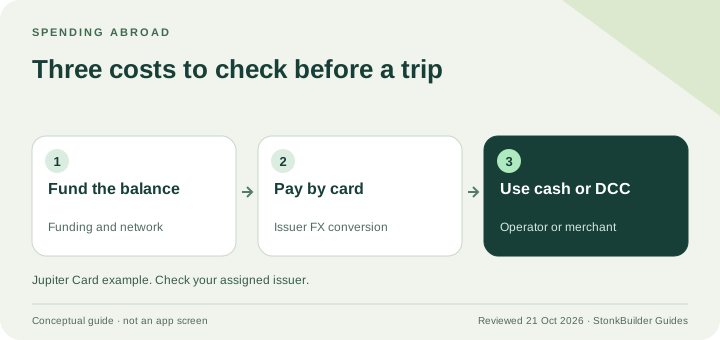
USD payments have no card FX fee in the current table. Non-USD payments carry the issuer’s standard conversion fee: 1% for Rain and 1.8% for DCS. The conversion rate and final debit still matter even when the payment is far below the spending ceiling. Issuer fees
Read the currency on the terminal or checkout page. A merchant’s dynamic currency conversion can produce a different result from paying in the local currency. Compare the amount shown before confirming and keep the receipt with the app transaction.
Why a payment below the limit can still decline
A limit is only one gate. The current fee documentation says certain merchant-category codes can be restricted, including money transfers, remittance, quasi-cash, stored-value loads, some financial services, gambling, and other risk-controlled categories. Restrictions can also change dynamically. Restricted merchant categories
Other checks include the card being active rather than frozen, the correct card being selected in the wallet, sufficient available balance, a supported country and issuer state, and a merchant that accepts the Visa network. If a payment is declined, save the exact message and avoid repeating it several times without understanding the cause. Card troubleshooting If several gates disagree, use the card-not-working diagnostic to identify the visible state before you choose another route.
Plan a larger payment without manufacturing a workaround
For DCS, track the total amount already spent today and the annual window; a declined payment can still require a careful status check. For Rain, treat the absence of a published cap as a reason to confirm the current app state before a large payment, not as an invitation to test an extreme amount.
Do not split payments to evade an issuer control, merchant restriction, compliance check, or card limit. If the amount is time-sensitive, arrange an independent backup and confirm the merchant’s acceptance first. The first-card checklist is built for a modest, ordinary test, not a high-value purchase.
Keep QR Pay and bank transfers separate
Spend-funded QR Pay has its own $500 per-transaction and $5,000 daily limits and requires an eligible DCS-issued card. Wallet-funded QR is a separate route that does not need a card. Those figures do not replace the card issuer’s ordinary purchase rules. Bank remittance has separate payout limits set for each currency and shown in the app and different fee and beneficiary requirements. QR Pay limits · Transfer-limit guide · Remittance rules
Before a big payment, you want a confirmed issuer, enough available USD balance, a permitted merchant and currency you understand, and a backup for a payment where failure would matter. A published limit is useful context, but it doesn’t mean a payment will be approved.
A quick preflight before you sign up
Use the site’s card eligibility check, Route Finder, and Quote Compare tool to keep residence, issuer, balance, merchant, currency and route questions together. If the card still fits, sign up for Jupiter Global and confirm the assigned issuer and available USD Spend balance in the app before a large payment. Signing up earns you 2% cashback on eligible Jupiter Card purchases, capped at $100 a month.
Jupiter Global card spending limits FAQ
What is the Jupiter Global card spending limit?
The current table lists DCS at $50,000 per day and $990,000 per year, while Rain is shown as having no limit. Those figures describe published issuer information, not a guarantee that a specific transaction will be approved.
Is the Jupiter Global card a credit line?
No. The card draws from the available USD Spend balance. A high issuer ceiling does not let you spend money that has not been deposited, and a displayed balance does not override merchant, account or compliance controls.
Why can a payment below the published limit still decline?
A payment can fail because of insufficient available balance, a frozen card, restricted merchant category, issuer or regional control, currency conversion, merchant acceptance or a pending authorisation. The limit is only one gate.
Does the spending limit include foreign-exchange fees?
The ceiling and the payment cost are separate. Non-USD card payments carry the issuer’s documented conversion fee, currently 1% for Rain and 1.8% for DCS, while the final rate and merchant currency choice still affect the debit.
Are QR Pay and bank-transfer limits the same as card limits?
No. QR Pay and bank remittance use separate limits, fees, rails and eligibility conditions. A card spending ceiling does not describe a QR payment or bank transfer, so check the route-specific screen and documentation.
Sources
Checked against these sources on 21 October 2026.