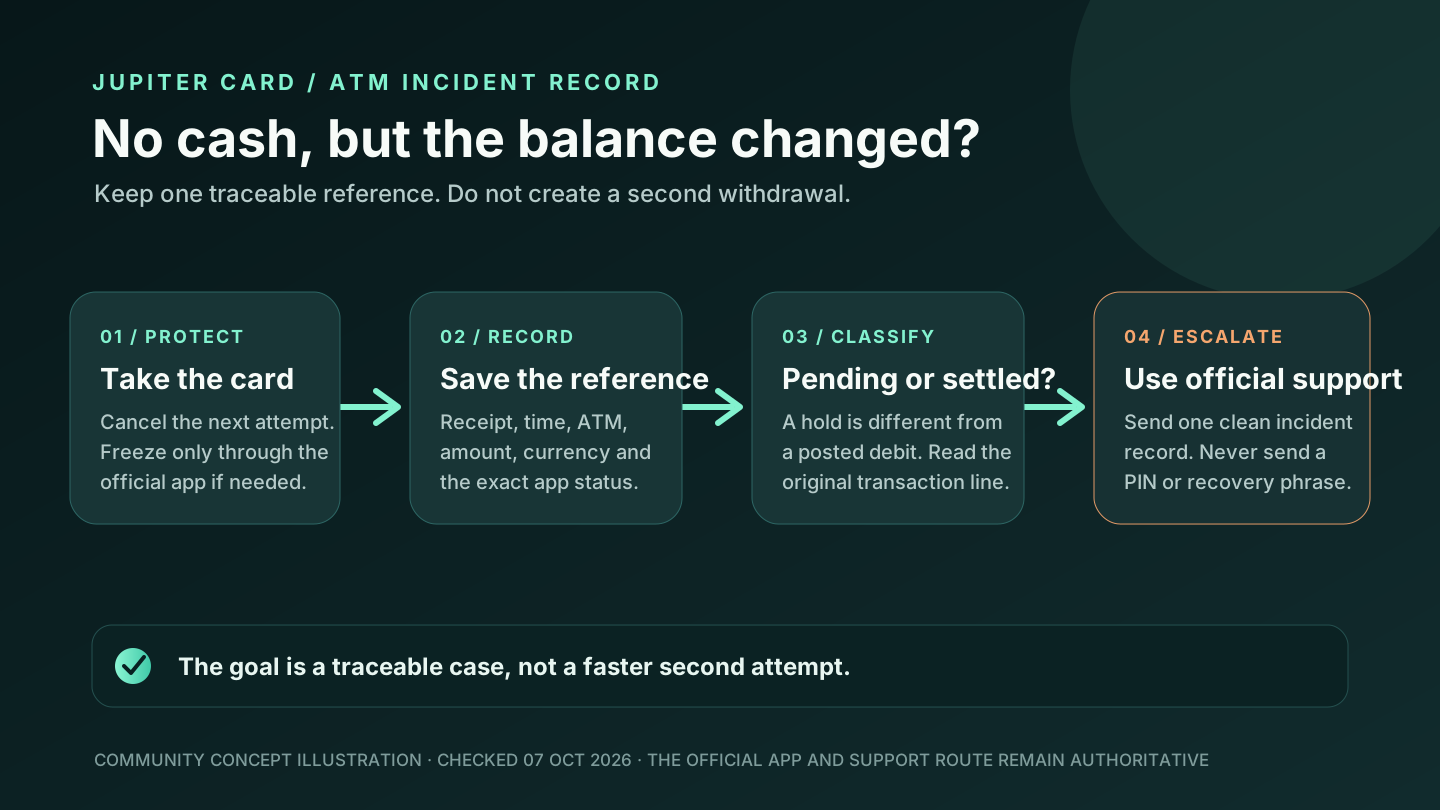
Seeing the same merchant twice in your Jupiter Global card history does not immediately prove that you were charged twice. A card checkout can leave two pending authorisations, one pending hold beside a settled payment, or a real duplicate settlement. A merchant refund and a card dispute are different recovery paths too.
The short answer
1. Open the official app and record both lines: status, amount, currency, merchant descriptor, date, and reference. 2. Check whether each line is pending, settled, reversed, or a separate refund credit. 3. Ask the merchant whether the first attempt was captured, voided, or duplicated. Keep its confirmation privately. 4. Do not retry the payment while the first authorisation is unresolved. 5. If two charges are both settled and the merchant cannot correct one, use the issuer’s official dispute route for your account.
The Jupiter FAQ says a pending authorisation can remain on the balance for up to 30 days, depending on the merchant. A settled refund can take up to 7 business days to return to the card balance. Those are different clocks, so the first task is classification. Read the current refund and authorisation guidance · Jupiter Card refund rules
Classify the two lines before you choose a remedy
| What the app shows | What it may mean | Best next check |
|---|---|---|
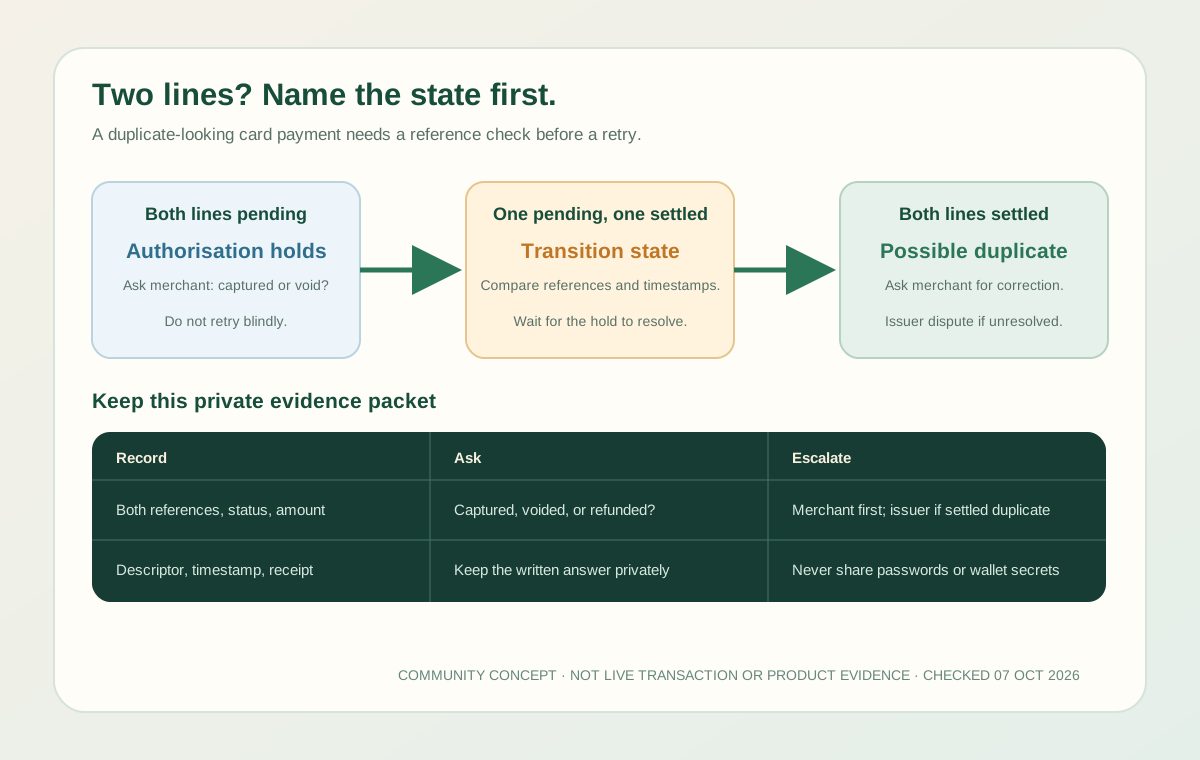
| Two lines are both pending | The merchant or processor created more than one authorisation hold; this is not yet two settled captures. | Save both references and ask which authorisation was captured or voided. Do not retry while either hold is unresolved. |
| One line is settled and one is pending | One attempt may have completed while a second hold is waiting to drop. | Match the settled line to the receipt, then ask the merchant to release the remaining hold. |
| Both lines are settled | A duplicate capture is possible, but the merchant and issuer must inspect the references. | Ask the merchant for a written correction or refund reference before opening an issuer dispute. |
| A separate credit says “Reversed” | This is a refund credit after a settled payment, not a second charge. | Compare the original amount, currency, refund date and credited amount; allow up to 7 business days. |
The official app’s current status, the merchant record and the assigned issuer settle the case.
Two pending lines do not equal two settled charges
An online checkout, hotel, subscription, or restaurant may request an authorisation more than once while the merchant’s processor retries. The app can show two pending entries even though the merchant will capture only one. A merchant can also void an attempt without the checkout page clearly explaining what happened.
Record both references and ask the merchant a precise question: Which authorisation was captured, and which one was voided? A screenshot that says “declined” at checkout is not enough to prove that no authorisation exists. Keep the original receipt and avoid another retry until the merchant confirms the first attempt is closed.
Jupiter’s documentation says the merchant controls how long an uncaptured authorisation takes to drop. Once it drops, the held amount is released back to the balance. The 30-day boundary is a documented upper window, not a promise that every merchant will use the full period. Check the pending-authorisation timing
One pending line and one settled line
This is a common transition state. One attempt may have been captured while a second authorisation is still waiting for the merchant’s processor to release it. Compare the two amounts, timestamps, and references instead of adding them together mentally.
If the settled payment is the purchase you intended, ask the merchant to void the remaining pending authorisation. If the settled payment is not recognised, freeze the card in the official app and use the verified support or issuer path. A frozen card blocks further use; it does not itself reverse an already settled charge. Review the card-security route · Official support
Two settled charges may be a true duplicate
If both entries are settled, the merchant should investigate a duplicate capture. Send the merchant the two transaction references, the order number, and the exact amount and currency shown for each line. Ask for a written refund reference or confirmation that one charge was voided.
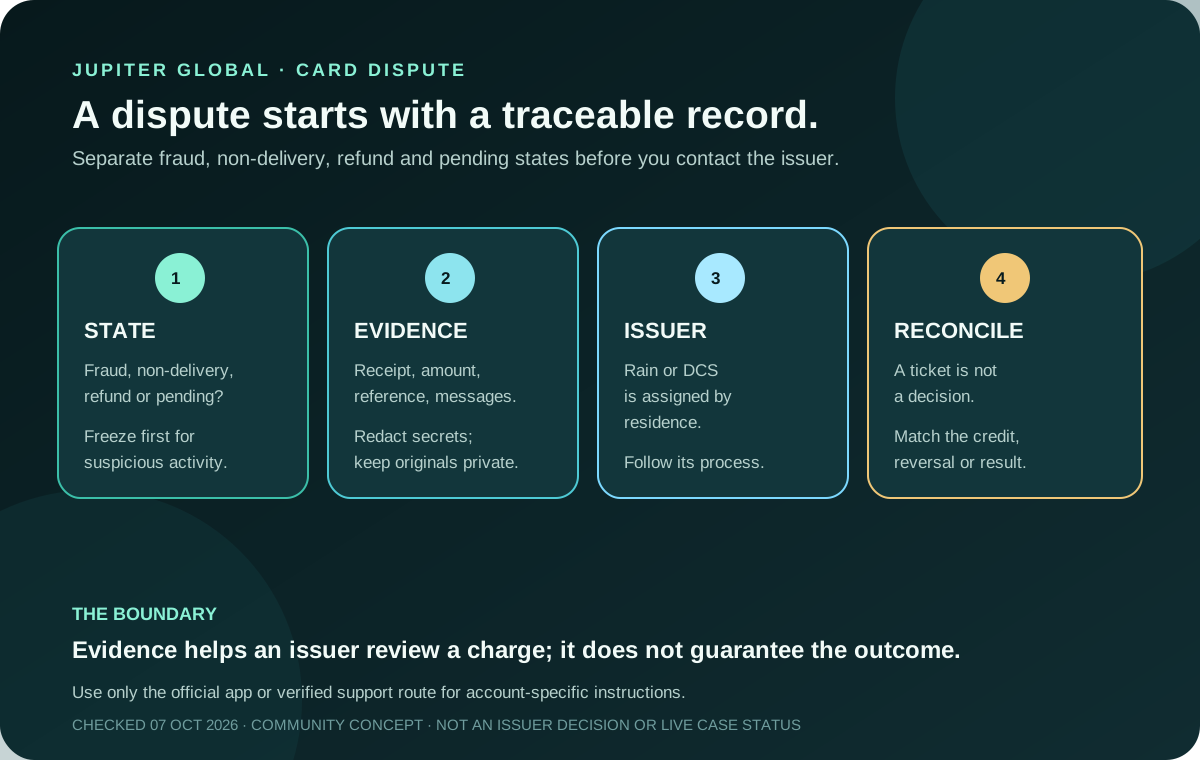
Do not post full card details, identity documents, passwords, one-time codes, wallet secrets, or unredacted screenshots in a public forum. The support process needs a traceable transaction record, not access to your account. Jupiter’s FAQ says Visa protections can support disputes for fraudulent transactions or a merchant that fails to deliver; the dispute is handled through the issuer assigned to the account, Rain or DCS. The issuer decides the case. Read the security and dispute boundary · Partner risks
If the merchant does not resolve a genuine duplicate, contact the official issuer or support route with:
- both transaction references and their exact statuses;
- merchant name and descriptor as shown in the app;
- amount, currency, date, and time zone for each line;
- the order, receipt, or cancellation record;
- the merchant’s response and any refund reference.
Keep the packet private and keep one copy of the original evidence. A support acknowledgement means the case was received; it is not a promise that a duplicate will be refunded.
A refund is not the same as a duplicate
When the original purchase is still pending, Jupiter says a merchant refund or void reverses the pending charge directly. When the purchase has already settled, the refund appears as a separate credit marked “Reversed” under the original transaction and can take up to 7 business days.
For a non-USD purchase, the Card documentation says a settled refund uses the FX rate on the day the refund is issued, and the original FX fee is not refunded. Compare the original currency, refund date, and credited amount before deciding that a refund is missing. Read the Card refund details · Review the current FX fees
What not to do while the state is unclear
- Do not repeat the payment just because a merchant page displayed an error.
- Do not create a second Jupiter ID to make a transaction disappear.
- Do not accept a direct-message “refund agent” who asks for a recovery phrase or one-time code.
- Do not treat two pending lines as proof that both will settle.
- Do not treat a merchant promise as proof that the credit has reached your card balance.
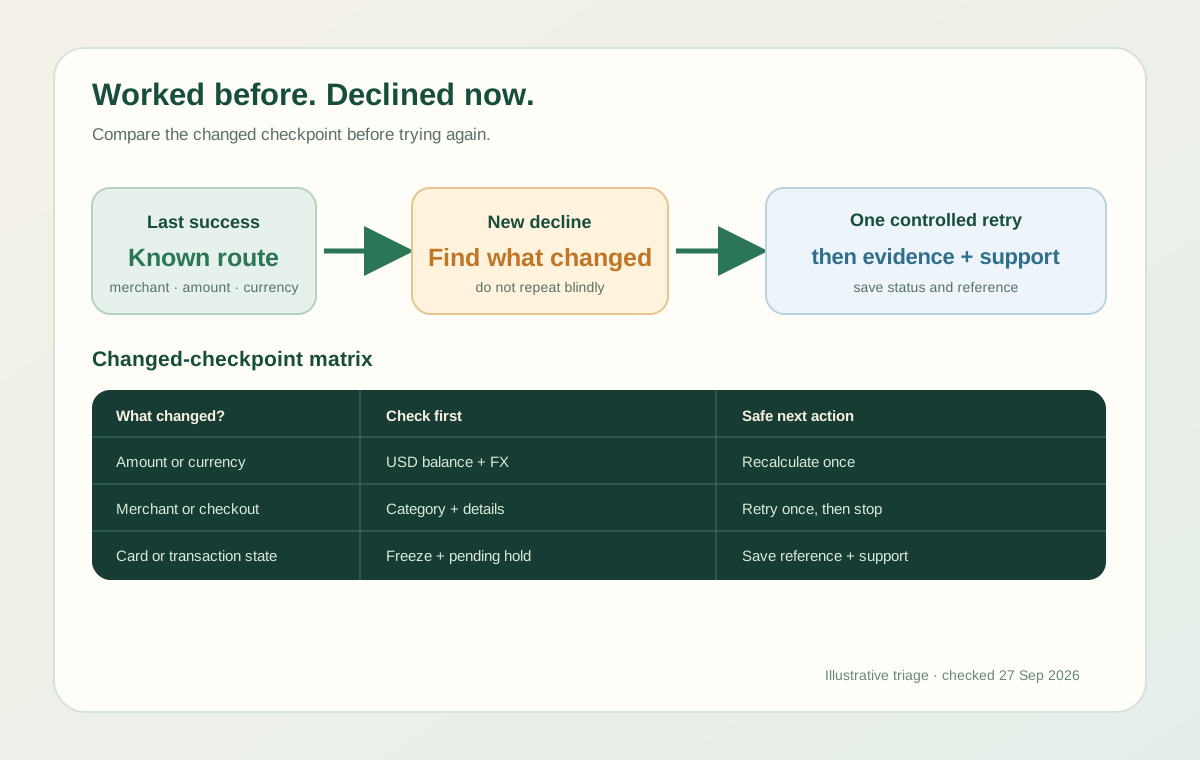
The payment-reversal guide explains the pending-to-reversed timeline. The chargeback guide covers private issuer evidence when a merchant does not deliver or a transaction is fraudulent. If the next attempt is declined, use the merchant-decline checklist instead of assuming the duplicate caused it.
Jupiter Global card charged twice FAQ
Does two pending card charges mean I paid twice?
Not necessarily. Two pending entries can be separate authorisation holds while the merchant or processor decides which attempt to capture. Compare both references and ask the merchant which was captured or voided before trying again.
How long can a duplicate-looking pending hold last?
The current Jupiter FAQ says a pending authorisation can remain for up to 30 days, depending on the merchant. That is an outer documentation window, not a promise that every hold will last that long. Keep the reference and watch for the hold to release or settle.
What if both card charges are settled?
Treat it as a possible duplicate capture. Ask the merchant for a written correction or refund reference using both transaction references. If the merchant does not resolve a genuine duplicate, use the issuer’s official dispute or support route.
Is a reversed credit the same as a duplicate charge?
No. A separate “Reversed” credit is usually a refund after a settled payment. The Card documentation says a settled refund can take up to 7 business days and a non-USD refund uses the FX rate on the day it is issued, so compare the original and credited amounts.
Should I retry when a merchant says the first payment failed?
Pause until the app status and merchant record agree. A checkout error can still leave an authorisation hold. Save the original reference, ask whether it was captured or voided, and use a backup method only when the unresolved state is understood.
You’re done when you have one known transaction state: a single settled payment, a released pending hold, a posted refund credit, or an issuer case tied to the original references. Use the safety practice tool if you want to rehearse the pause-and-verify steps before contacting support. If the card suits you, sign up for Jupiter Global, keep every receipt from the start, and earn 2% cashback on eligible Jupiter Card purchases, up to $100 a month. Confirm the live issuer, balance and transaction controls in the official app before funding or spending.
Sources
Checked against these sources on 7 October 2026.