The time to discover how your payment app behaves is before you need it at a busy counter. A short practice run can reveal an unsupported mobile wallet, a funding misunderstanding, or an account-access problem while you still have alternatives.
Test the everyday task first
Try the kind of ordinary payment you intend to make, using an amount that is modest for you. Confirm the balance that pays, the currency charged, where receipts appear, and how you would contact support.
Do not count on a successful small purchase proving that a hotel hold, rental deposit, or larger transaction will work. Merchant practices and transaction categories can differ. Card documentation
Separate where you live from where you pay
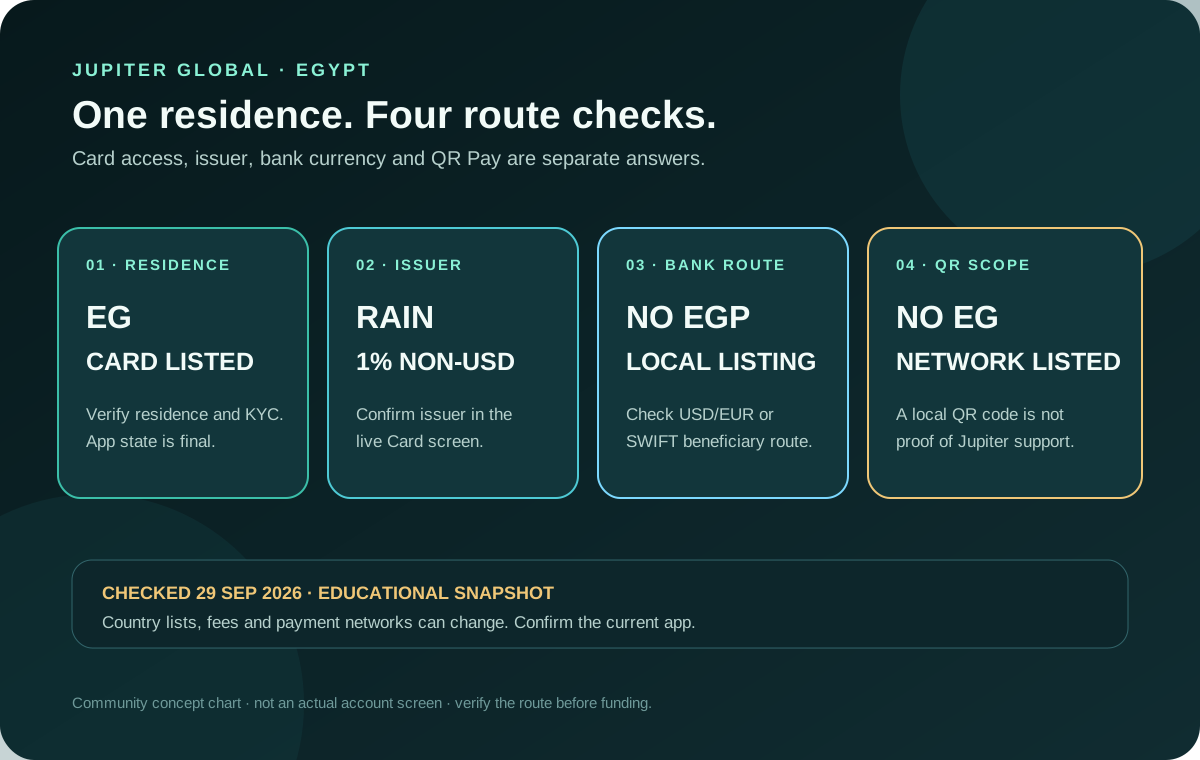
Your card’s eligibility and issuer are not simply determined by the country you are visiting. QR Pay also has its own card-level and payment-network conditions. Check both before assuming you can use a familiar QR logo abroad. Card eligibility · QR Pay rules
Avoid publishing an itinerary or sharing your exact location just to ask a general payment question. Most preparation can be done from the documented requirements without giving a community unnecessary personal information.
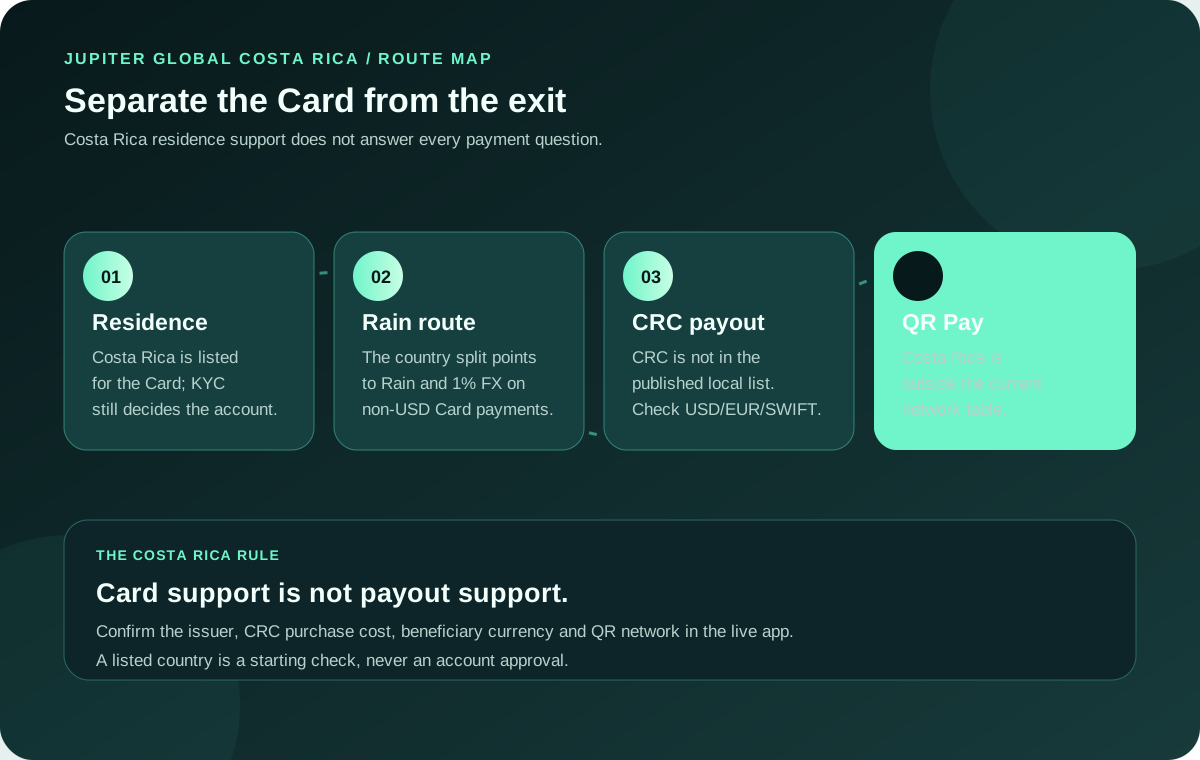
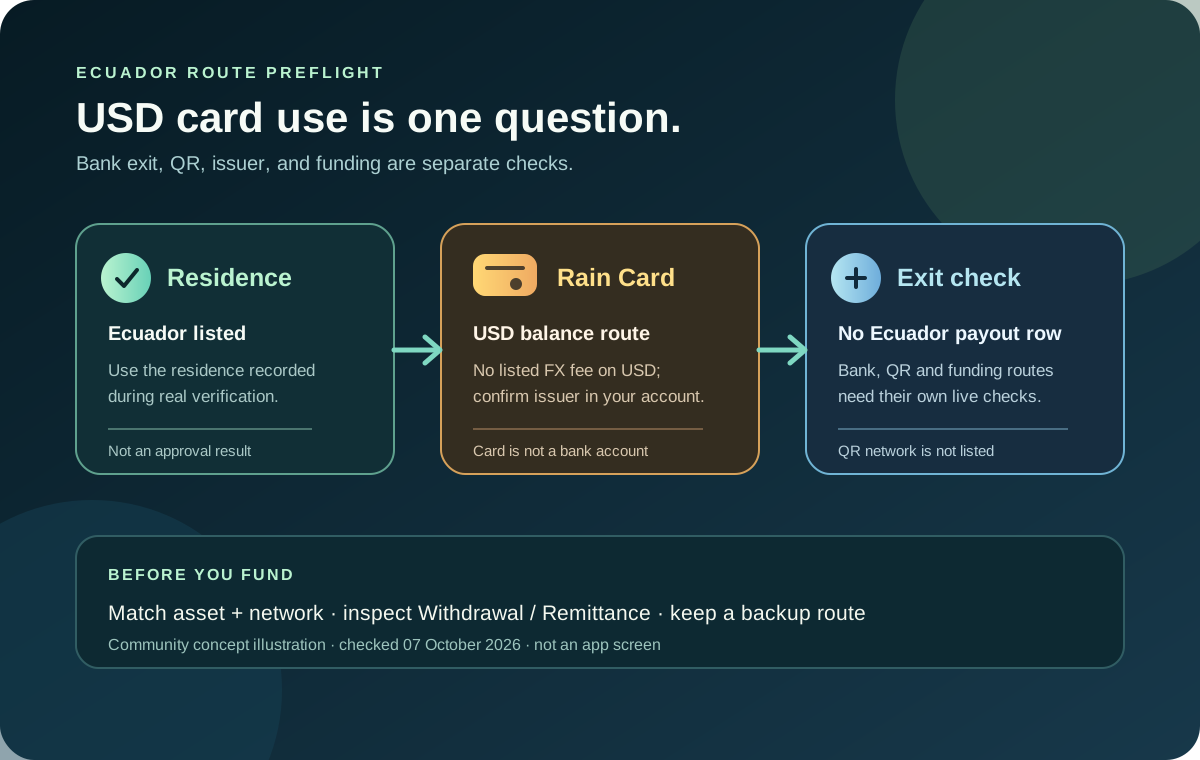
The current Card documentation says the virtual card works anywhere Visa is accepted, while the issuer is assigned from your country of residence. Non-USD payments carry a 1% Rain or 1.8% DCS FX fee. That makes residence, issuer, balance, and currency checks more useful than treating the destination country alone as an eligibility answer. Current Card mechanics
For QR travel payments, the current documentation lists Cambodia, Indonesia, Malaysia, Mongolia, the Philippines, and Vietnam; Singapore and Thailand are temporarily unavailable. QR Pay also depends on an eligible DCS-issued card, so a working Visa card does not automatically enable every QR route. Current QR status
Understand your funding and exit
Fund through a supported route and keep your practical spending budget separate from money you need for other purposes. Read withdrawal limitations before putting money into a new balance. Do not assume you can instantly return every funded amount to your original bank. Remittance limitations
If you hold several assets, label them clearly in your own notes. A token balance, a Spend balance, and a pending credit are not the same as immediately available travel money.
Keep a genuinely independent backup
Choose a backup method that does not depend on the exact same phone, login, or account working. The right arrangement depends on your circumstances; the principle is to avoid a single failure preventing every payment.
Keep essential support information accessible through a safe, independent route. Protect device access and the sign-in account you use. Do not store secrets in a shared checklist or public travel document.
Learn the controls before an incident
Locate the card-freeze control and the official support path. Know how to distinguish a pending payment from a settled one. Jupiter’s card documentation describes the freeze action and refund process; those procedures should be checked before you depend on them. Card management
At a counter, read the amount and currency before authorizing. When a merchant says a payment failed but you see a pending transaction, ask them to check the original reference before you repeat it.
Review without overcomplicating
After your first few payments, compare receipts with the app and note any issue worth resolving. Keep records private and redact account details before asking a general question in a community.
The best travel setup is one you understand, have tested properly, and can swap for a backup when things change.
Run the card route check, QR route guide, and this travel preflight before you fund a trip.
Jupiter Global travel payment FAQ
Can I use the Jupiter Card while travelling?
The current FAQ says the card works anywhere Visa is accepted, regardless of where you are. Your issuer is determined by your residence at KYC, and non-USD payments carry the issuer’s FX fee.
What FX fee applies when I pay abroad?
The current documentation lists 1% for Rain and 1.8% for DCS on non-USD payments. USD payments do not carry that issuer FX fee, but the merchant, balance, and route still need to be checked.
Can I rely on QR Pay in Singapore or Thailand?
No. The current QR documentation marks Singapore SG QR and Thailand PromptPay temporarily unavailable. QR support also depends on an eligible DCS-issued card and the merchant network.
Will a small test payment prove a hotel or rental hold will work?
No. Merchant categories, authorization holds, deposits, and larger amounts can behave differently from an ordinary small purchase. Keep an independent payment method for those situations.
What should I do if my card is lost or suspicious activity appears?
Freeze the card immediately in the official app, preserve the original transaction details, and use authenticated support for deactivation or replacement. Do not send card details or login secrets to a stranger.
Heading abroad soon? Sign up for Jupiter Global early enough to test the card before you leave. You’ll earn 2% cashback on eligible card spending, up to $100 a month.
Sources
Checked against these sources on 29 September 2026.