If you freelance across borders, the better question is which money route reaches the result you need, rather than whether Jupiter Global “works for freelancers.” You may want to receive a client payment, spend a USD balance on software, pay a local supplier, or move money to your home bank. Jupiter documents those as separate rails with different checks. Jupiter Spend overview
The short answer
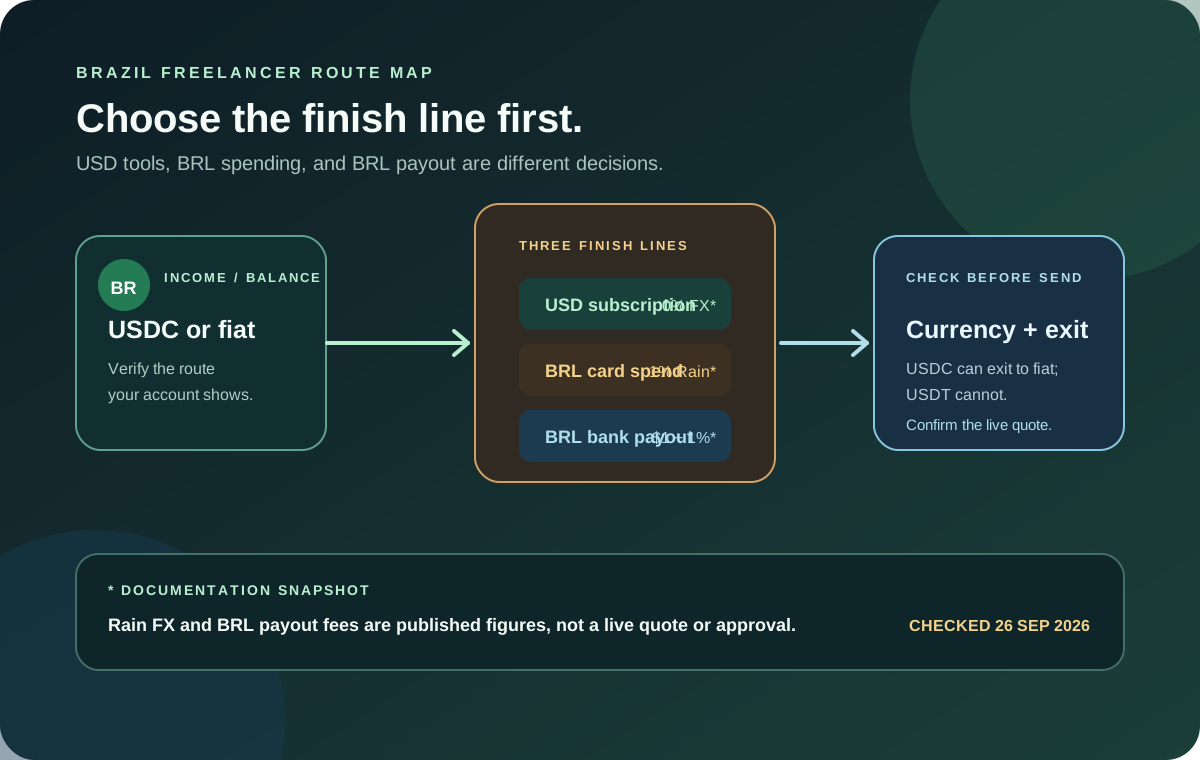
Jupiter Global can be worth investigating when you already use stablecoins or need a documented virtual-account and payout route alongside card spending. It is a poor fit if you need guaranteed approval, a universally available local account, or a single balance that proves every exit is available.
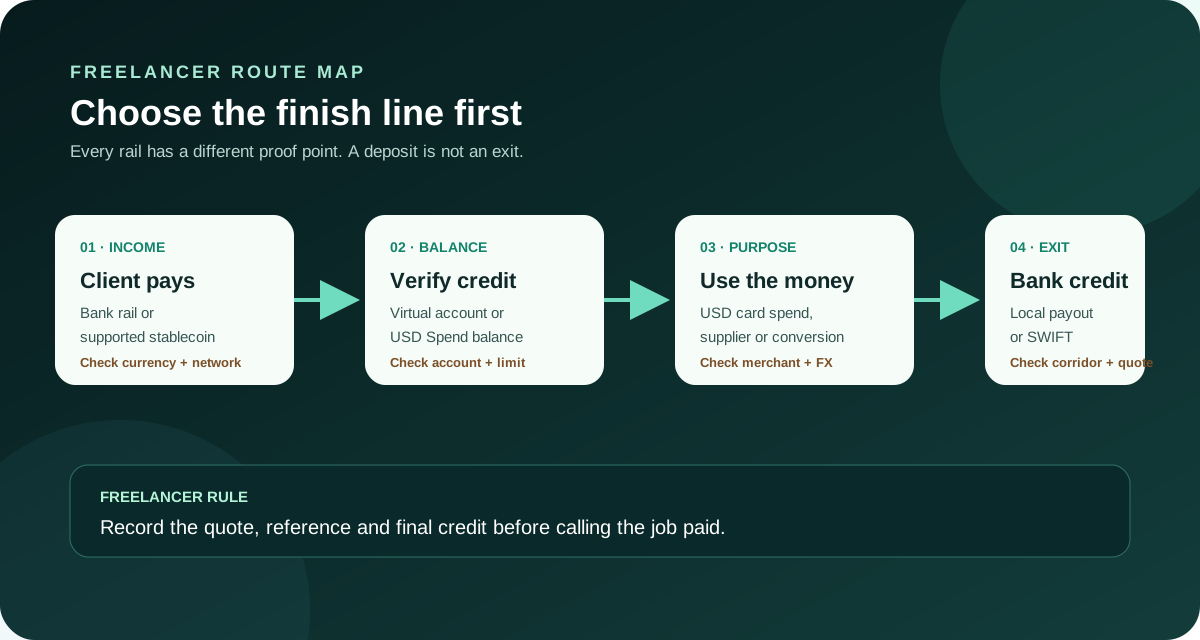
For a freelancer, separate these four outcomes:
- Receive fiat from a client: use the virtual-account details shown in your verified account, if the required currency and residence are supported.
- Spend a USD balance: use the virtual card for a permitted merchant and confirm the currency before a recurring charge.
- Fund from crypto: use only the documented asset and network combination; an accepted deposit is not the same thing as a fiat withdrawal.
- Get local currency in your bank: check the exact payout currency, beneficiary, fee and corridor before funding the route.
The route is only successful when the intended balance, card settlement or bank credit is visible. A blockchain confirmation, a bank acceptance message or a merchant receipt is an intermediate event.
Route 1: receive a client payment by bank rail
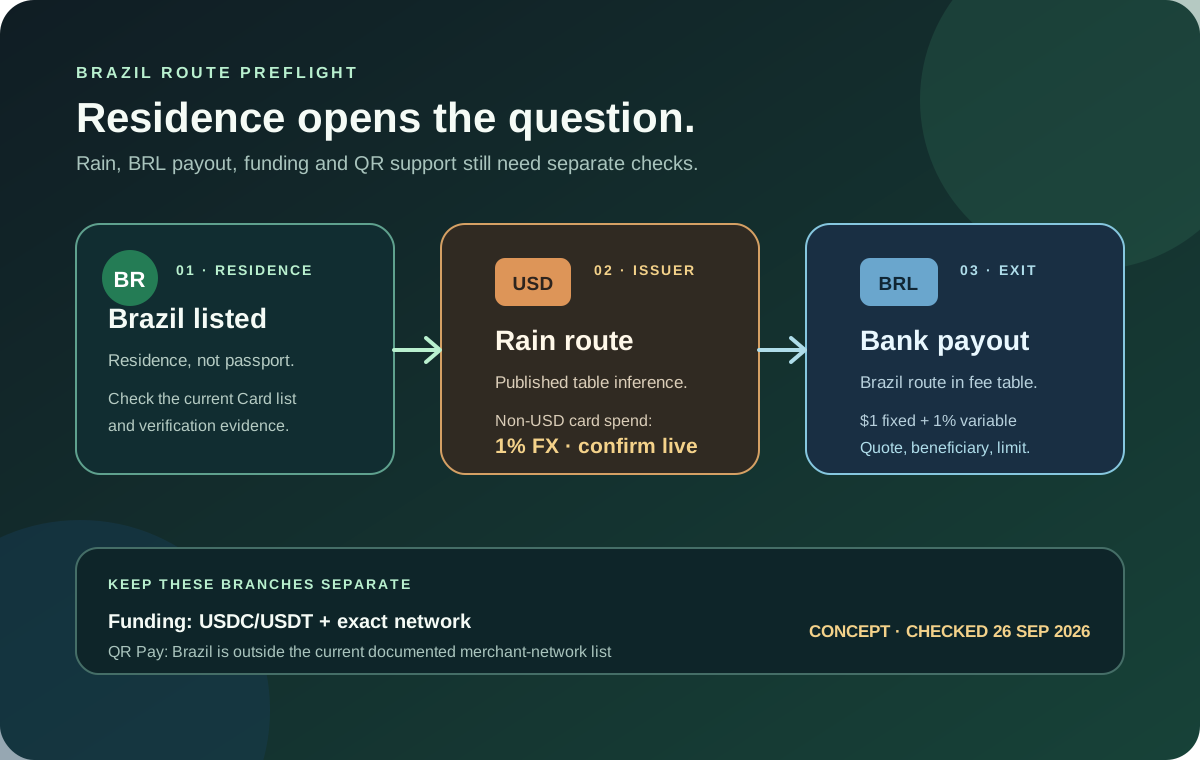
Global Fiat Remittance describes USD, GBP and EUR virtual accounts after Jupiter ID verification. Those accounts are funded by incoming fiat transfers from external bank accounts; they are not deposit addresses for USDC or USDT. EUR availability and corridor access depend on residence and the current account flow. Global Fiat Remittance
Before sending a client your details, confirm all of these in the current app:
1. The legal name and currency on the account. 2. Whether the client’s bank can send the required rail, such as local transfer or SWIFT. 3. Any reference, beneficiary and intermediary-bank fields. 4. The expected delivery window and the support route if the credit is delayed.
Do not describe a virtual account as a normal bank account or promise a client that every currency is available. Save the payment instruction and the final credit reference privately so you can reconcile the invoice.
Route 2: receive stablecoins, then spend a USD balance
The documented Spend deposit flow accepts USDC on Solana, Ethereum, Sui, Arbitrum or Base, and USDT on Solana. The exact network must match the deposit screen. Sending an unsupported asset or network can permanently lose funds. Jupiter Spend FAQ
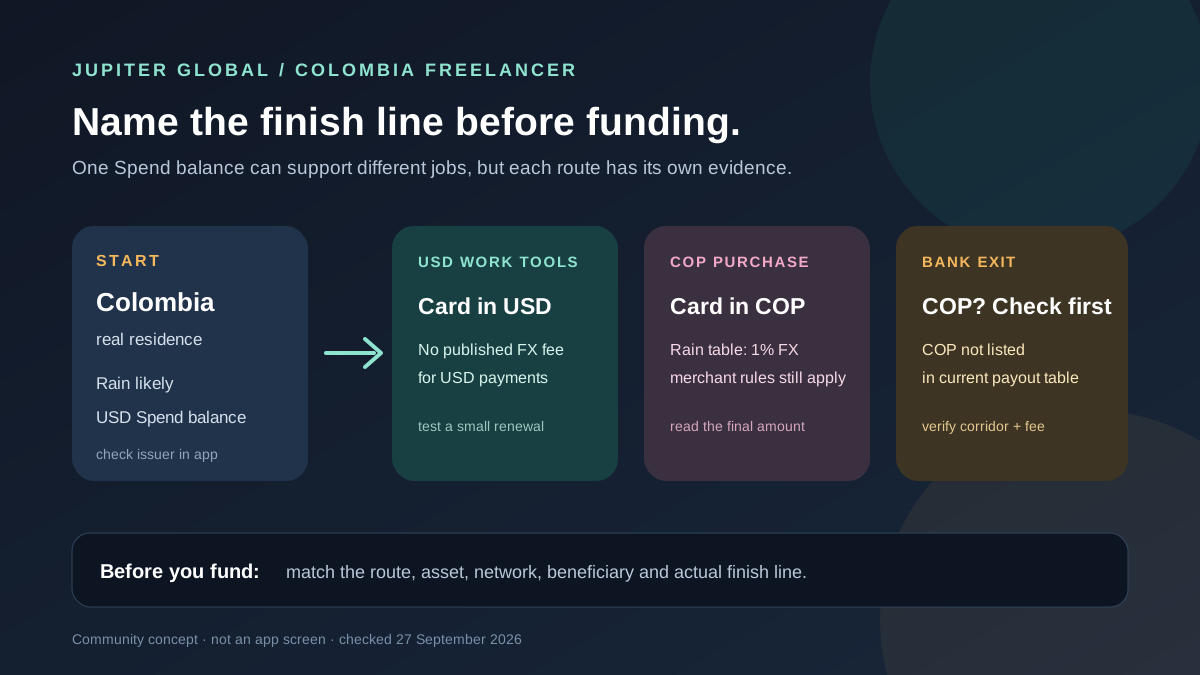
This route is attractive for a freelancer whose costs are also dollar-priced: design software, cloud services, advertising or contractor tools. A USD-priced card transaction avoids the non-USD FX line in the current issuer table, but it still needs an active card, enough available balance and a permitted merchant category. Jupiter Card · Spend fees
Use a small, ordinary first payment. Record the billing currency, authorisation amount, final settled amount and renewal date before putting a critical subscription on the card. A free-looking USD payment does not make a hotel hold, rental-car deposit or restricted merchant a safe first test.
Route 3: exit to a local bank
The remittance route supports local payouts in selected currencies and SWIFT transfers, but a published currency list is not a personal eligibility result. The current documentation describes a per-transfer limit and says that corridor restrictions can apply. Fees, beneficiary validation, review status and the receiving bank’s rules all affect the final result. Global Fiat Remittance
Build the quote before you fund it. Write down:
- source asset and balance;
- destination currency and bank country;
- fixed fee and variable fee, if shown;
- conversion rate and expected amount received;
- transfer limit, reference and delivery estimate.
If your source is USDT, check the exit before sending. The current FAQ distinguishes assets accepted for Spend funding from assets eligible for a fiat withdrawal. “The app accepted my deposit” is not proof that the desired bank payout is available. Jupiter Spend FAQ
A freelancer’s route decision
Use the following decision order when an invoice is paid:
1. Name the goal. USD software purchase, client receipt, local bank credit and supplier payment are different jobs. 2. Choose the rail. Bank receipt, stablecoin deposit, card spend and local payout have separate evidence requirements. 3. Check your account, not a blog claim. Verify residence, issuer, currency, limits and the exact quote in the current app. 4. Test a modest amount. Do not use a tax payment, payroll commitment or essential travel booking as the first experiment. 5. Reconcile privately. Keep the invoice, quote, transaction reference and final recipient credit together.
The Route Finder can turn the intended outcome into a documented reading path. The Quote Compare tool helps compare the amount debited, the amount received and the timing rather than comparing a headline fee alone.
What can make the route fail
Freelancers should pause when the merchant, bank or wallet asks for a different currency than the quote; when the app shows a pending entry after a merchant decline; when a beneficiary name differs from the required legal name; or when someone claiming to be support asks for a recovery phrase, private key or one-time code. Official support is the right place for an account or payment issue. Risks and security · Official support
Jupiter Global is a route to investigate, not a substitute for an emergency fund or a second payment method. Keep enough separation between client money, tax reserves and spending experiments that a delay does not stop your work.
Should a freelancer start with Jupiter Global?
Start only after you can state the route in one sentence: “I will receive this currency by this rail, spend or convert it for this purpose, and verify this final credit.” If you can, and the costs make sense, sign up for Jupiter Global and check the live screens before moving money. You’ll earn 2% cashback on eligible Jupiter Card purchases, up to $100 a month.
Jupiter Global for Freelancers FAQ
Can freelancers receive client payments through Jupiter Global?
Verified users may receive incoming fiat through the USD or EUR virtual-account route when the currency, rail, residence and current account flow support it. Confirm the exact beneficiary and reference fields before giving details to a client.
Can freelancers receive USDC or USDT instead?
The checked FAQ documents USDC on Solana, Ethereum, Sui, Arbitrum and Base, and USDT on Solana for deposits. The network shown in the current Add Money screen is decisive, and a successful deposit does not prove that a fiat withdrawal is available.
Can a freelancer use the Jupiter Card for software subscriptions?
A subscription still needs an active, funded card and a permitted merchant category. Check the billing currency, authorisation amount, renewal date and any issuer FX fee before using it for a critical business service.
Can freelancers withdraw every deposited asset to a bank?
No. Deposit acceptance, card spending, local payouts and fiat off-ramps are separate routes. The checked documentation identifies USDC as the supported fiat-exit asset, subject to region, currency, partner and account checks.
What should a freelancer reconcile for tax or client records?
Keep the invoice, source asset or bank amount, quote, fees, conversion details, transaction or transfer reference and final credited amount together. Redact recovery phrases, private keys, passwords, one-time codes and unrelated account history.
Sources
Checked against these sources on 7 October 2026.